
Let me be straight with you. I’ve tested a lot of these tools — not in a “I opened it for thirty seconds and read the homepage” way, but in a real, sitting-down-with-a-deadline way. Some impressed me. Some wasted my time. And a couple surprised me in ways I didn’t expect.
Whether you’re a freelancer writing client blogs, a student grinding through essays, a founder trying to ship weekly newsletters, or just someone who stares at a blank document and wants to die a little — this guide is for you. Let’s actually compare these tools.
Why Most Writing Tools Feel the Same (And Why That’s a Problem)
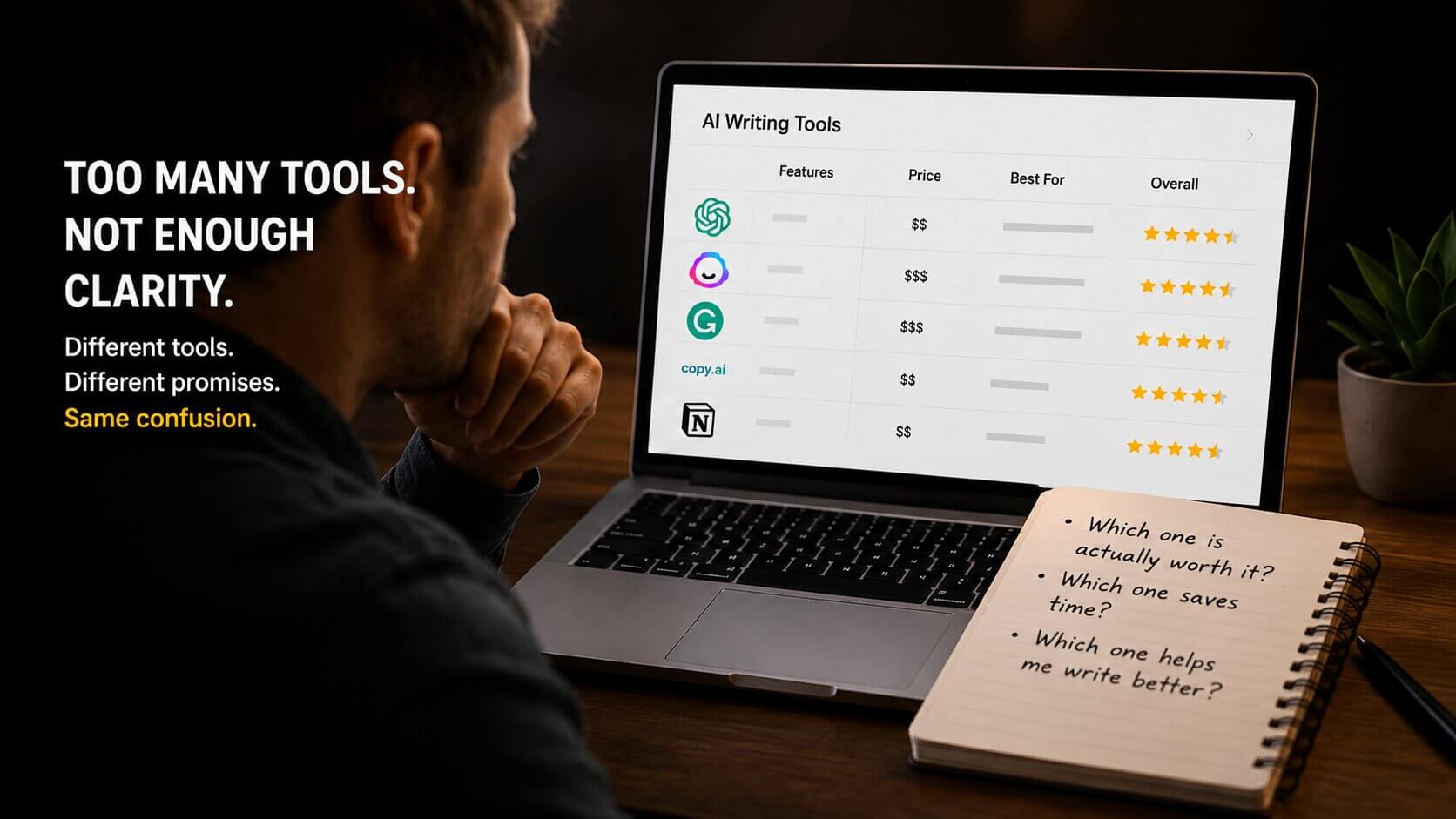
Here’s the thing: the market is flooded right now. There are dozens of writing assistants, each claiming to be the fastest, smartest, most “human-sounding” option available. But in reality, most of them are built on the same underlying models with a different color scheme slapped on top.
The ones that stand out aren’t just smart — they’re useful in context. There’s a big difference between a tool that writes something technically acceptable and one that actually helps you think.
A friend of mine — Sara, a marketing consultant — spent three months subscribing to four different writing tools simultaneously. She was paying nearly $80 a month combined. After I asked her which one she actually opened every day, she paused and said, “Honestly? Just one. The others are just sitting there.” She canceled three of them the next week.
That’s the trap. More subscriptions don’t mean better writing. One really good tool, used consistently, beats four mediocre ones every time.
The Tools Worth Your Time
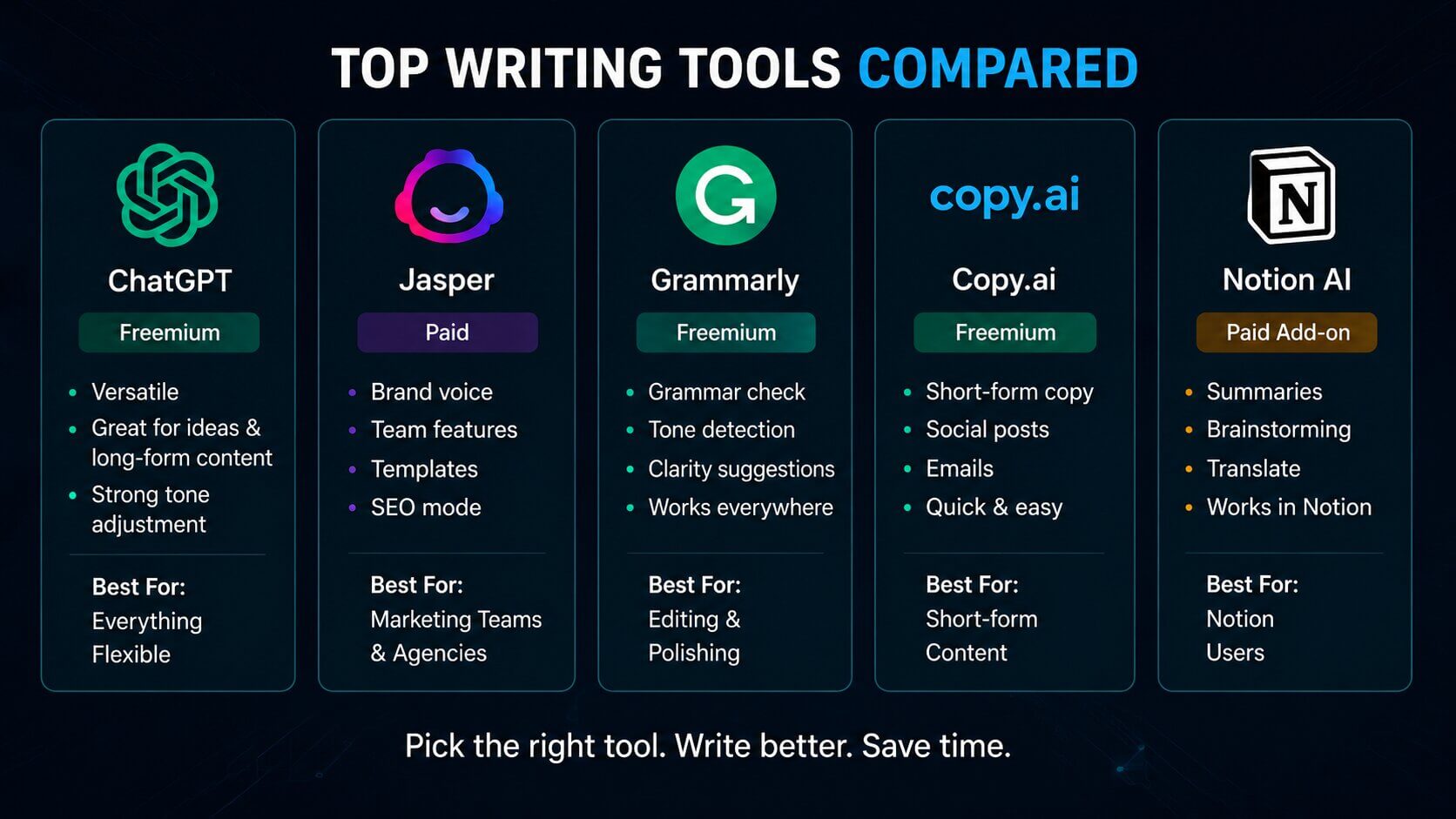
Let’s get into it. I’ve grouped these by what they’re actually good at, not just alphabetically like every other roundup.
ChatGPT (OpenAI) Freemium
The one everyone’s heard of — for good reason
ChatGPT is probably the most flexible writing tool on this list. It doesn’t just write for you — it can help you brainstorm, restructure an argument, punch up a weak paragraph, or rewrite a sentence six different ways until one clicks. The free tier (GPT-3.5) is decent. GPT-4o, which you get with Plus, is noticeably better for nuance.
What I like is that it feels like a conversation, not a content machine. You can push back, ask for changes, and guide it like a junior writer who actually listens.
✓ Pros
- Hugely versatile
- Great for iteration
- Strong at tone adjustment
✗ Cons
- Can ramble without direction
- Free tier has limits
- No built-in SEO features
Jasper is polished, professional, and expensive. It’s clearly designed for marketing teams who need to produce a lot of branded content fast. The “Brand Voice” feature is genuinely useful — you can train it on your existing copy so it stays consistent across everything.
That said, it starts at $49/month, and if you’re a solo writer or student, that’s hard to justify. For agencies managing multiple clients? Probably worth it.
✓ Pros
- Excellent brand voice tools
- Great template library
- Team collaboration features
✗ Cons
- Pricey for individuals
- Can feel formulaic
- Overkill for simple tasks
Copy.ai gets a lot right for everyday writing tasks. Social posts, email subject lines, product descriptions, cold outreach — it handles all of this quickly and without fuss. The free plan is genuinely usable (2,000 words/month), which isn’t nothing.
Where it struggles is with longer, more complex pieces. Ask it for a 1,500-word opinion article and you’ll spend more time editing than writing. Use it for short-form and it earns its keep.
✓ Pros
- Good free plan
- Fast for short content
- Easy to use
✗ Cons
- Weaker on long-form
- Less nuanced output
- Can feel repetitive
Grammarly isn’t technically a “writing” tool — it’s an editing one. But it’s so deeply woven into most people’s workflows that it belongs here. The free version catches typos and grammar errors. The Premium version suggests tone shifts, clarity rewrites, and engagement improvements.
The newer generative features (rewrite suggestions, full paragraph rewrites) are surprisingly good. It’s not a replacement for writing, but as a safety net it’s hard to beat.
✓ Pros
- Integrates everywhere
- Reliable free tier
- Excellent for editing
✗ Cons
- Not a content creator
- Premium is pricey
- Can over-suggest edits
Notion AI – Paid (Add-on)
If Notion is where you organize your life, the AI add-on ($10/month) is an easy yes. You can draft, summarize, translate, and brainstorm without ever leaving your workspace. For writers who use Notion as a second brain, this cuts down on tab-switching more than you’d expect.
If you don’t use Notion, there’s no reason to start just for the AI. But if you do — it’s worth adding.
✓ Pros
- Seamless in Notion
- Great for summaries
- Affordable add-on
✗ Cons
- Only useful in Notion
- Less powerful standalone
- Limited customization
Quick Comparison at a Glance
| Tool | Free Plan | Best For | Starting Price | Long-Form | SEO |
|---|---|---|---|---|---|
| ChatGPT | ✓ Yes | Everything flexible | $20/mo (Plus) | ✓ | ✗ |
| Jasper | ✗ No | Marketing teams | $49/mo | ✓ | ✓ |
| Copy.ai | ✓ Yes | Short-form copy | $36/mo | ✗ | ✗ |
| Grammarly | ✓ Yes | Editing & polish | $12/mo | ✗ | ✗ |
| Notion AI | ✗ Add-on | Notion users | $10/mo | ~ | ✗ |
Who Should Use What

This is where most guides cop out and say “it depends on your needs!” Cool. Useless. Let me actually say something concrete.
- If you’re a freelancer writing for clients: Start with ChatGPT Plus. The flexibility alone justifies the $20. Use Grammarly free on top of it.
- If you’re on a strict budget (like, zero dollars): ChatGPT free + Grammarly free is a genuinely solid combo that costs nothing.
- If you run a content agency: Jasper’s brand voice and team features make it worth exploring, especially once you’re above 3–4 writers.
- If you write mostly short marketing copy: Copy.ai’s free plan might be all you need. Don’t pay for tools you don’t use.
- If you’re already deep in Notion: The AI add-on is a no-brainer for $10.
The best writing tool is the one you actually open. Doesn’t matter how many features a $99/month platform has if you dread using it.
One Thing Nobody Talks About: Your Own Writing Habit
My take Here’s the uncomfortable truth: no tool fixes a lack of clarity in your thinking. The writers who get the most out of these tools aren’t the ones using them to replace their thinking — they’re using them to accelerate it.
Take Marcus, a product manager I know who started using ChatGPT for his weekly internal updates. At first, he let it write everything. The updates were fine but felt hollow. Then he switched his approach — he’d write a rough, messy first draft himself, then ask the tool to help tighten it. His team noticed the difference. The writing felt like him again, just cleaner.
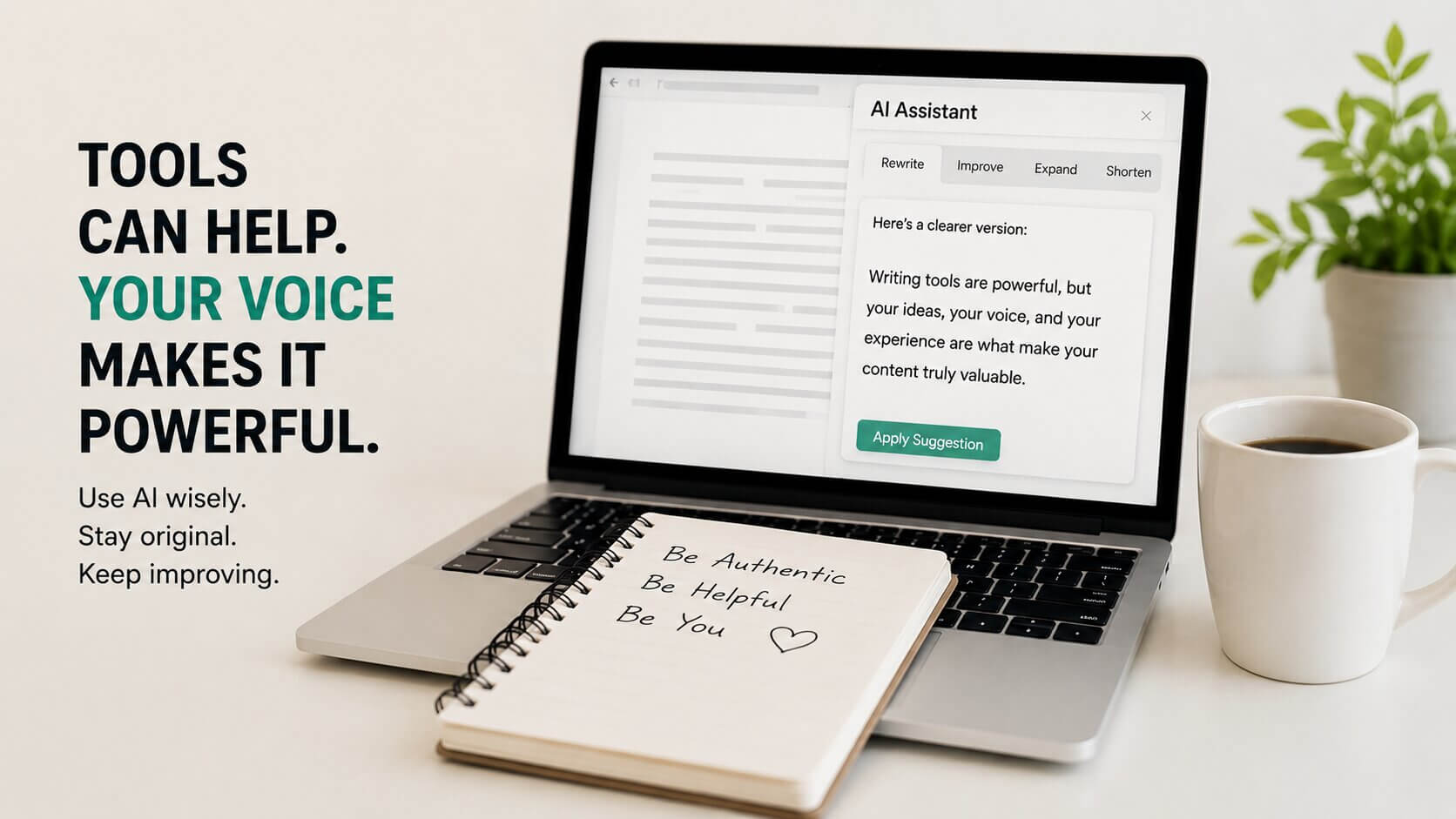
That’s the move. Use these tools as a collaborator, not a ghostwriter. The ideas still need to be yours.
A Word on Free vs. Paid
There’s a lot of pressure to upgrade. Every tool has a paywall somewhere, and the free tiers are often designed to make you feel like you’re constantly running out of something.
In reality, for light to moderate use — say, a few blog posts a month, some emails, the occasional social caption — the free options available right now are more than enough. The paid tiers are worth it when you’re using these tools daily, professionally, and at volume. Not before.
Start free. Upgrade only when the limit genuinely slows you down. That’s the honest advice.
FAQ
Final Thoughts
The writing tool landscape in 2025 is genuinely impressive, and there are good options at almost every price point including free. But the choice isn’t as complicated as the endless comparison posts make it seem.
Know what you’re writing, know how often, and know your budget. Start small, don’t over-subscribe, and treat these tools as the capable assistants they are — not as replacements for thinking.
Pick one. Use it properly. The blank page gets a lot less scary when you’ve got something in your corner.