
Top 10 AI Tools for Content Creators That Actually Save You Time in 2025
 Tested, honest, and skipping the ones that look great in demos but disappoint in real use.
This list is different. These are tools I’d actually recommend to a friend who creates content for a living — or who’s trying to build that life. Some are free. Some cost a bit. All of them are worth knowing about.
Let me be honest upfront: no single tool is going to transform you into a content machine overnight. But the right combination? That genuinely changes how much you can produce, and how fast. Here’s what’s actually working in 2025.
 The 10 Best AI Tools for Content Creators Right Now
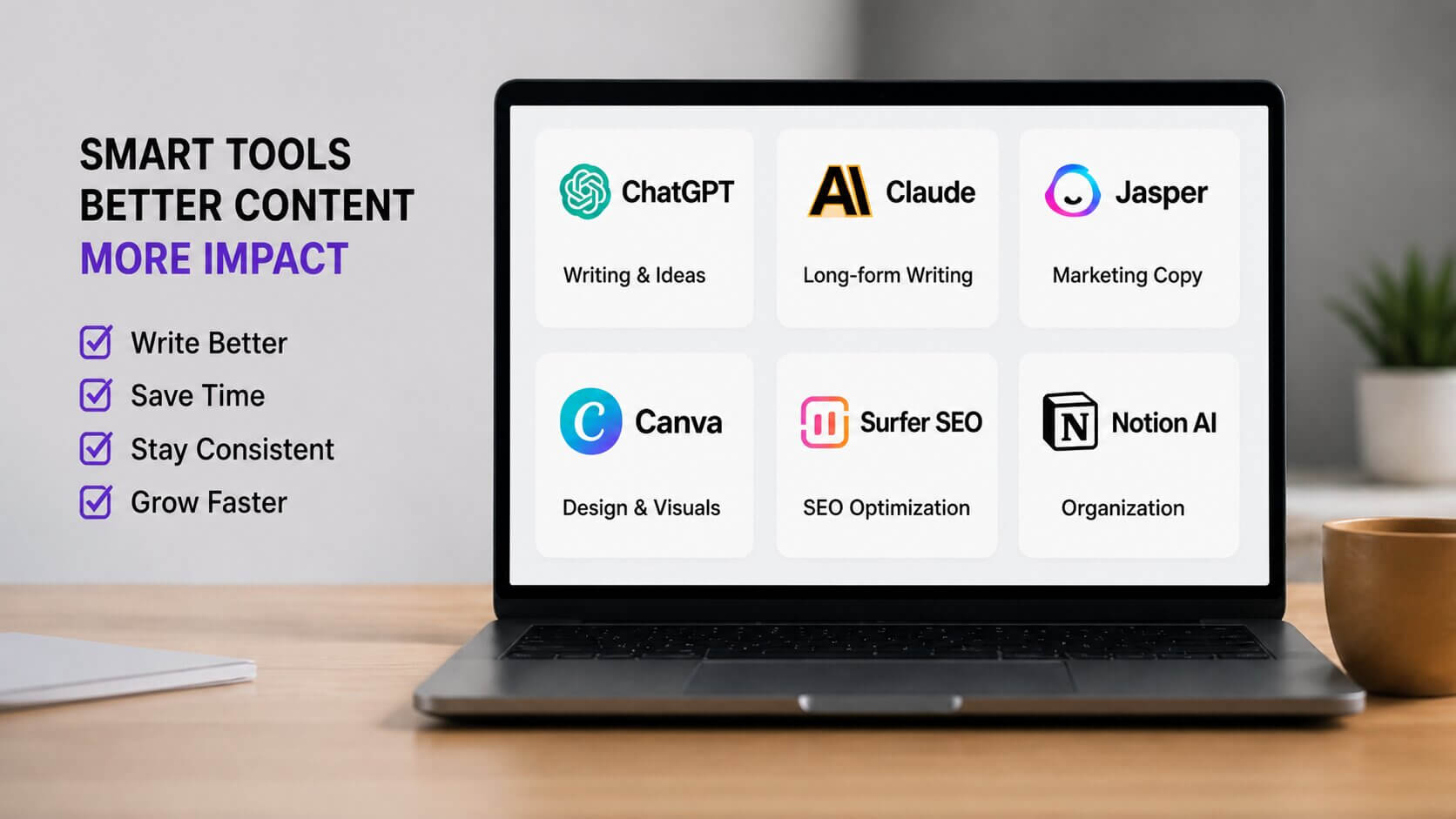
Still the starting point for most content creators, and honestly still one of the best. ChatGPT is where you go when you need a first draft, a content calendar, 20 headline ideas, or an outline for a post you’ve been putting off for three weeks.
The free version is solid. GPT-4o (available with the paid plan) is significantly better for nuanced writing. If you do one thing from this list, just get comfortable with this tool first. Everything else builds on that foundation.
Here’s the thing — Claude handles long-form content better than most tools. If you’re writing blog posts, essays, or detailed guides, it reads more naturally and tends to stay on track over longer pieces without going weird halfway through.
It’s particularly good at editing. Paste in a draft, ask it to improve the flow without changing your voice, and it does a noticeably better job of preserving how you sound than some other options. Worth having alongside ChatGPT, not instead of it.
Jasper is built specifically for marketers and content teams — not just general writing. Where it stands out is Brand Voice: you can train it on your existing content, and it actually writes in your style. For solo creators managing multiple clients, this is a game-changer.
It’s not cheap (plans start around $49/month), but if you’re billing clients for content work, it pays for itself fast. Probably not the right starting point if you’re just building your first blog, though.
Priya runs a content agency out of London — just her and two part-time writers. She started using Jasper’s Brand Voice feature for three of her e-commerce clients. Instead of briefing writers with 10-page style guides, she trained Jasper on each client’s past content. Her onboarding time for new projects dropped by about 60%. She still edits everything, but the first drafts now sound right from the start.
 04
04Canva has quietly become one of the most powerful tools in a content creator’s stack. The AI features — Magic Design, Magic Write, background removal, text-to-image — are built right into the design workflow. You’re not switching apps; it just speeds up what you’re already doing.
For social media creators especially, this is essential. Thumbnails, carousels, story templates — all faster. The free plan covers most of it. Canva Pro is worth it if you’re publishing daily.
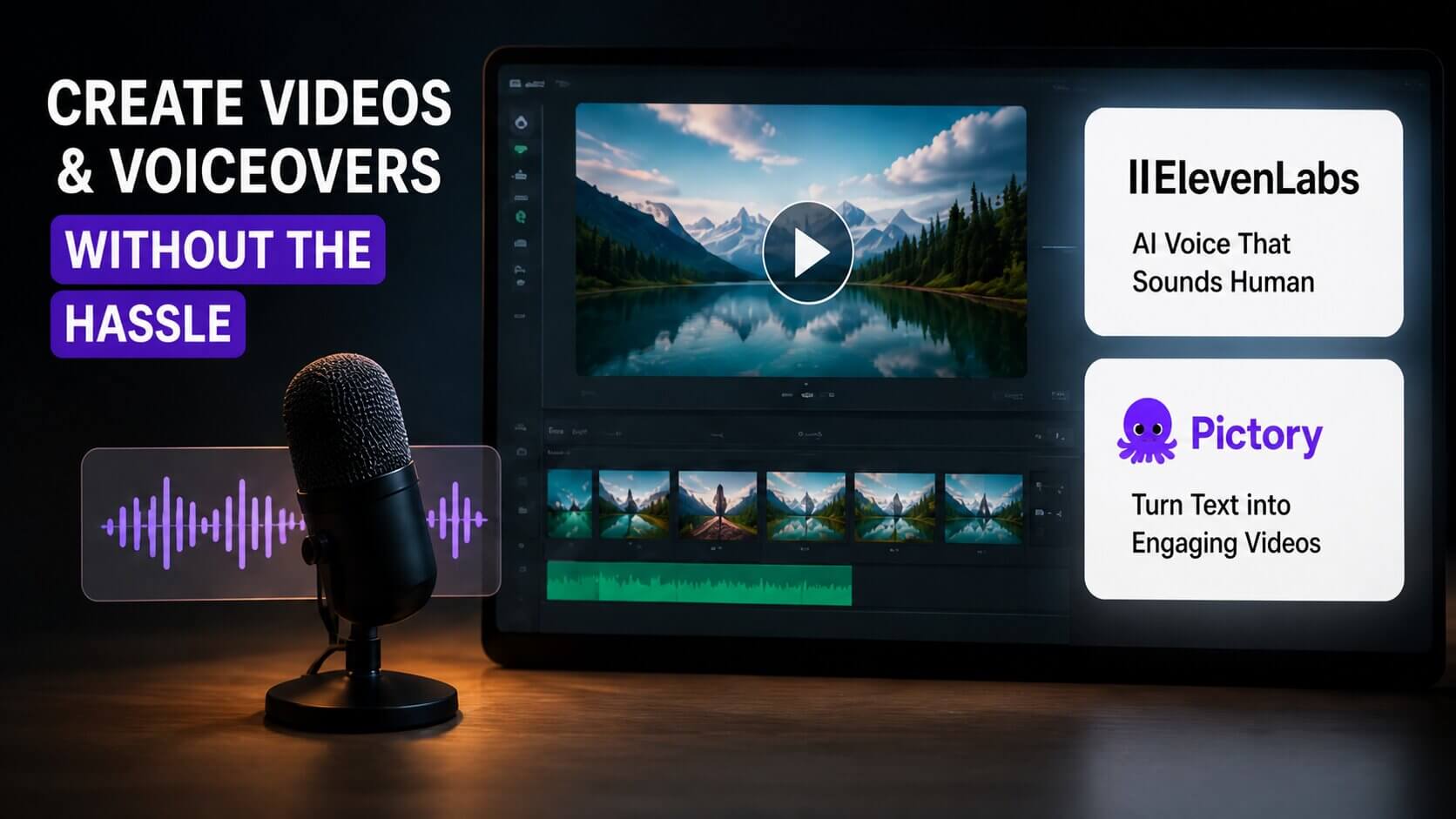
If you create video content and hate the sound of your own voice, or you want to produce content without recording yourself — ElevenLabs is genuinely impressive. The voices sound human. Like, actually human. Not the robotic text-to-speech you’re imagining.
You can clone your own voice if you want, or use one of their presets for narration. Combine this with Pictory or CapCut and you have a full video production pipeline without ever sitting in front of a camera.
 06
06Pictory takes your written content — a blog post, a script, a transcript — and turns it into a short video with stock footage, captions, and music. It’s not perfect, but for faceless YouTube channels or repurposing blog content into social video, it cuts production time dramatically.
In reality, the output needs some editing. But “needs some editing” is very different from “building from scratch.” Worth trying the free trial before committing.
Daniel, a personal finance blogger based in Texas, had been sitting on 80 published blog posts with no video presence. He ran 10 of his best posts through Pictory, spent about 20 minutes touching up each one, and posted them to a new YouTube channel. Three months later, two of those videos were getting consistent organic traffic. He hadn’t created anything new — he’d just repurposed what already existed.
Surfer combines content writing with SEO analysis in real time. As you write (or as you paste in an AI draft), it shows you which keywords to include, how long the post should be, what headers to use — all based on the pages currently ranking for your target keyword.
This is one I’d call worth the money for bloggers who care about organic traffic. Writing a great post that nobody finds is just as useless as not writing it at all. Surfer bridges that gap.
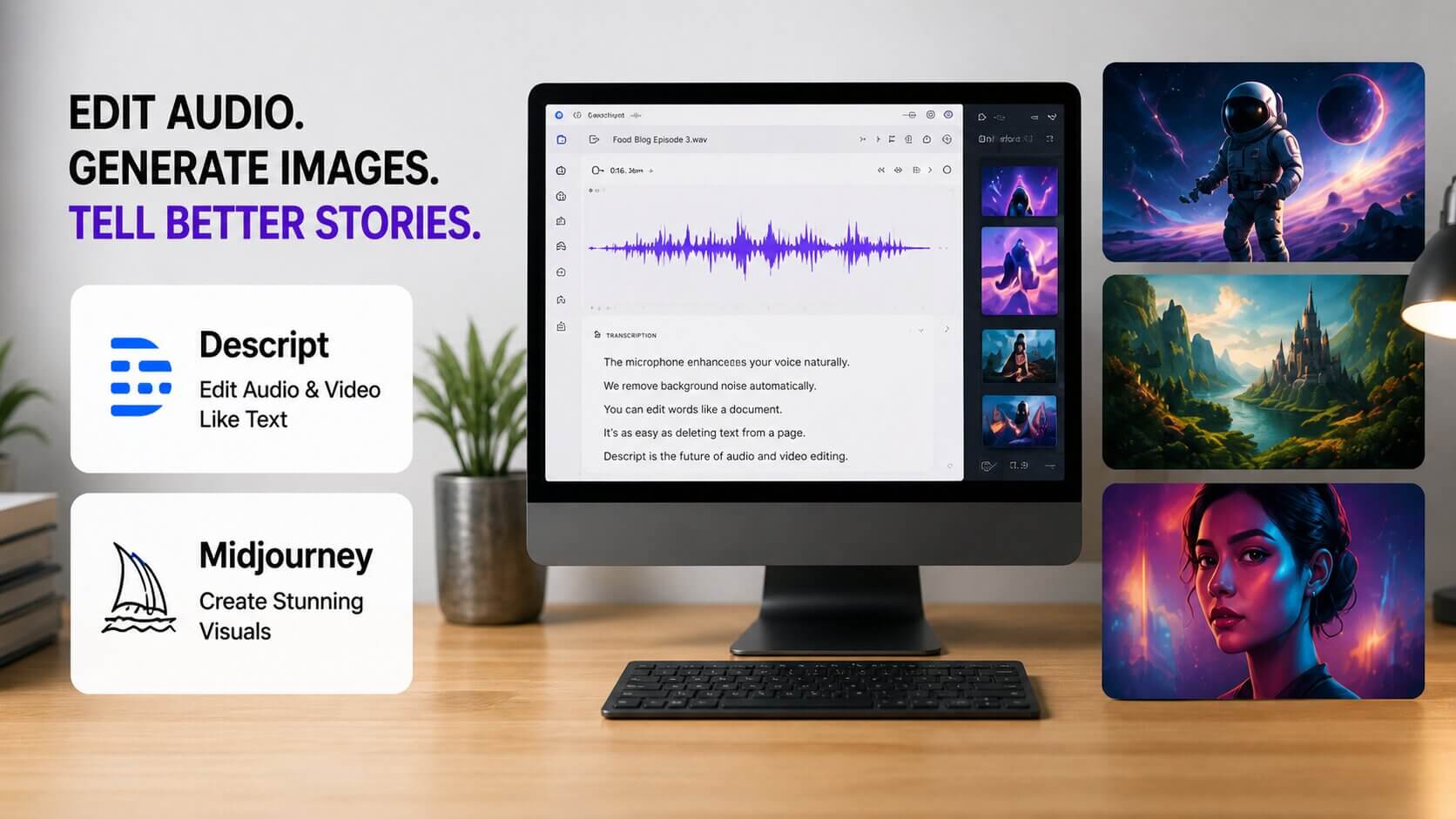
Descript is for creators who work with audio and video. It transcribes your recordings automatically, then lets you edit the audio by editing the text — delete a word from the transcript, and it’s gone from the recording. It also removes filler words (“um,” “uh,” “like”) with one click.
If you produce any kind of long-form audio or video content, this tool will save you an embarrassing amount of time. The free plan allows three hours of transcription per month, which is plenty to start with.
 09
09For creating custom visuals — blog header images, social media graphics, digital product artwork — Midjourney is still the leader in terms of image quality. The learning curve is real (you write “prompts” to describe what you want), but once you get the hang of it, you’ll never go back to stock photos.
It works through Discord, which is a bit clunky at first. But the results are worth it. Plans start at $10/month, which gets you 200 image generations — more than enough for weekly content.
If you already use Notion to plan your content (and you should — it’s great for that), the AI add-on brings writing assistance directly into your workspace. Summarize meeting notes, draft a content brief, brainstorm angles for a topic, all without leaving the app where your ideas already live.
It’s not trying to be ChatGPT. It’s trying to make your existing workflow faster inside a tool you already trust. For organized creators, that’s actually more useful.
How to Actually Use These Tools Without Getting Overwhelmed
One thing I want to say clearly: don’t try to use all of these at once. Seriously. That’s a recipe for spending three hours setting up tools and zero hours creating content.
- →Start with one writing tool and one visual tool. ChatGPT plus Canva covers most of what a beginner needs. Add tools only when you hit a specific limit.
- →Test free plans before paying anything. Almost every tool on this list has a free tier or trial. Use it for two weeks. If you’ve reached the limit and genuinely want more, then upgrade.
- →Build a simple workflow. Ideation → outline → draft → visuals → publish. Map a tool to each step and stick to it. Consistency in process leads to consistency in output.
- →Keep your voice in everything. The content that builds an audience sounds like a person, not a production line. Use these tools to speed up the boring parts — research, formatting, rough drafts — and spend your real energy on the parts only you can bring.
Quick Questions, Straight Answers
 The Bottom Line
There’s no shortage of tools out there. What’s actually rare is knowing which ones are worth your time — and having the discipline to use a few of them well instead of collecting all of them badly.
Pick two tools from this list. Spend a week getting comfortable with them. Then ask yourself what’s still slowing you down. That answer tells you what to add next.
The creators who build real audiences aren’t the ones with the biggest tool stack. They’re the ones who show up consistently — and these tools just make that consistency a little easier to maintain.
Now go make something. 🎯