
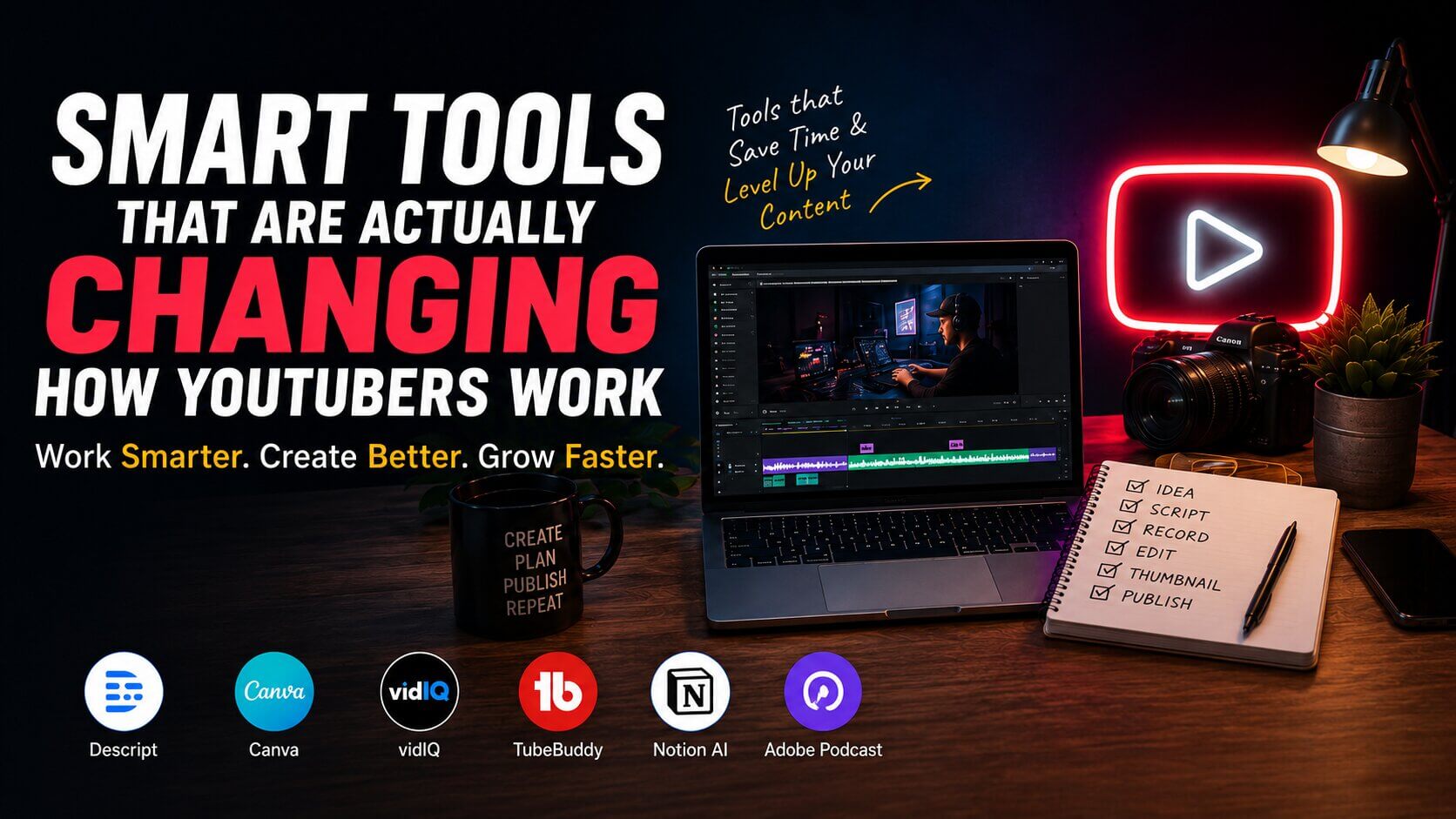
Let me paint you a picture. It’s 11 PM on a Tuesday. You just finished filming a 20-minute video that took three hours to set up. Now you’re staring at your editing timeline, you’ve got a blank document open for the description, you haven’t even thought about a thumbnail, and you’re already dreading writing the title. Sound familiar?
That used to be my Wednesday morning problem every single week. And if you’re running a YouTube channel solo — or even with a small team — you know exactly what I’m talking about. The actual filming part is maybe 20% of the job. The other 80% is the invisible grind that nobody talks about on camera.
Here’s the thing: a bunch of tools have gotten genuinely good at helping with that 80%. Not perfect. Not magic. But good enough that the whole process feels less like drowning and more like… managing. I’ve tested a lot of them over the past year, some were duds, some surprised me, and a few I now use every single day without thinking twice. Let me walk you through what actually matters.
Scriptwriting: Getting Past the Blank Page
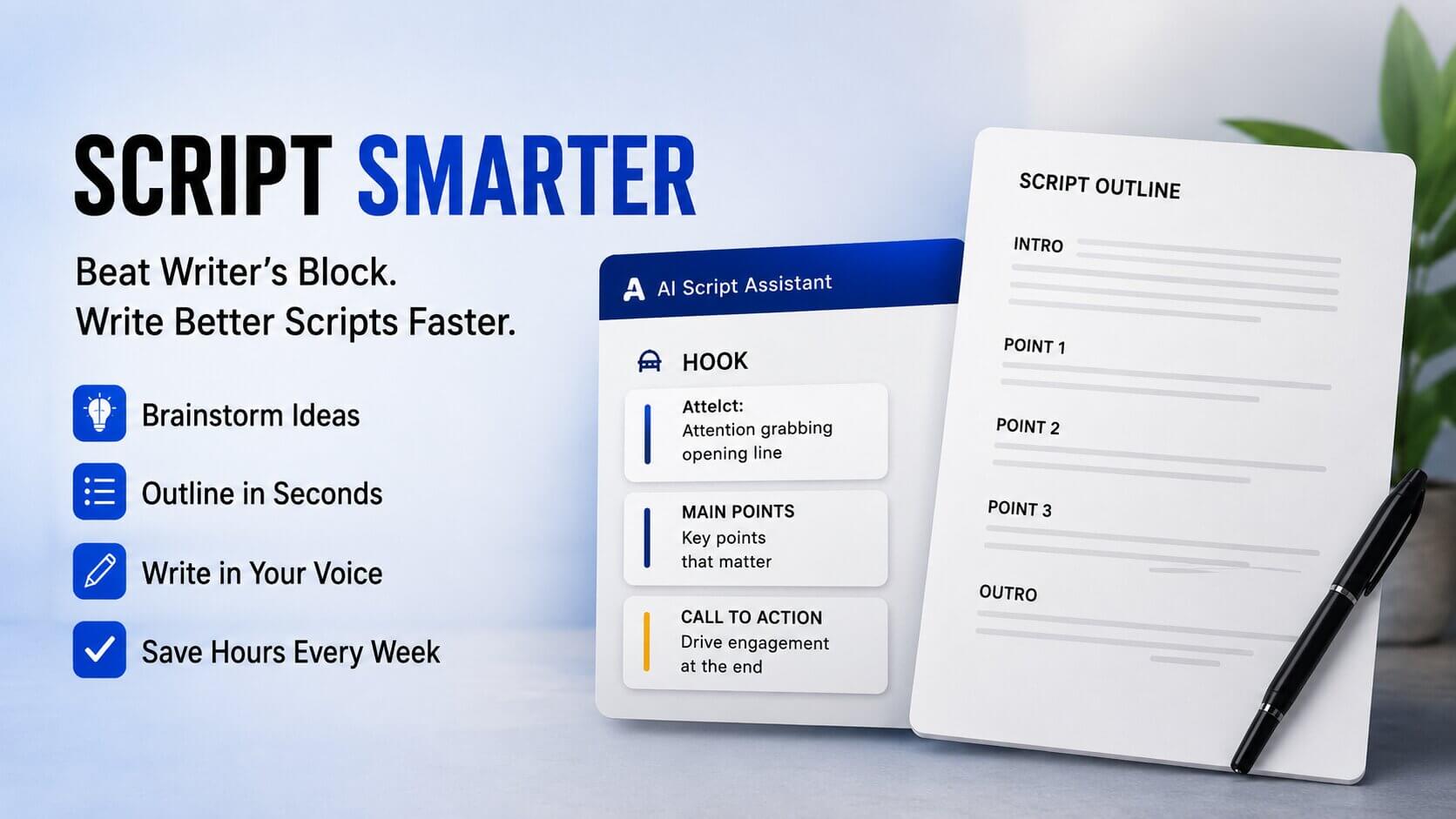
The blank page is the enemy. I don’t care how long you’ve been making videos — sitting down to write a script for a topic you’ve covered a hundred times still has a way of making your brain go completely empty.
Tools like Notion AI and Jasper have gotten genuinely useful here, but not in the way most people use them. Here’s what I mean: if you dump in a vague prompt like “write me a script about budgeting,” you’ll get garbage. Generic, lifeless, sounds-like-a-Wikipedia-article garbage. But if you treat these tools like a brainstorming partner — give them your hook idea, your three main points, your target viewer — they can help you flesh things out really fast.
Take my friend Priya, who runs a travel channel with about 80k subscribers. She told me she used to spend nearly four hours on every script. Now she spends about 45 minutes on a full outline with an AI assist, then another hour rewriting it until it sounds like her. Total time? Under two hours. That’s not small — that’s basically getting her afternoons back.
For YouTube specifically, VideoTap and Copy.ai also have some decent YouTube-native templates that understand hooks, retention structures, and CTAs. Worth poking around.
Editing: Where the Real Time Gets Eaten
Okay, editing. This is where I get a little opinionated.
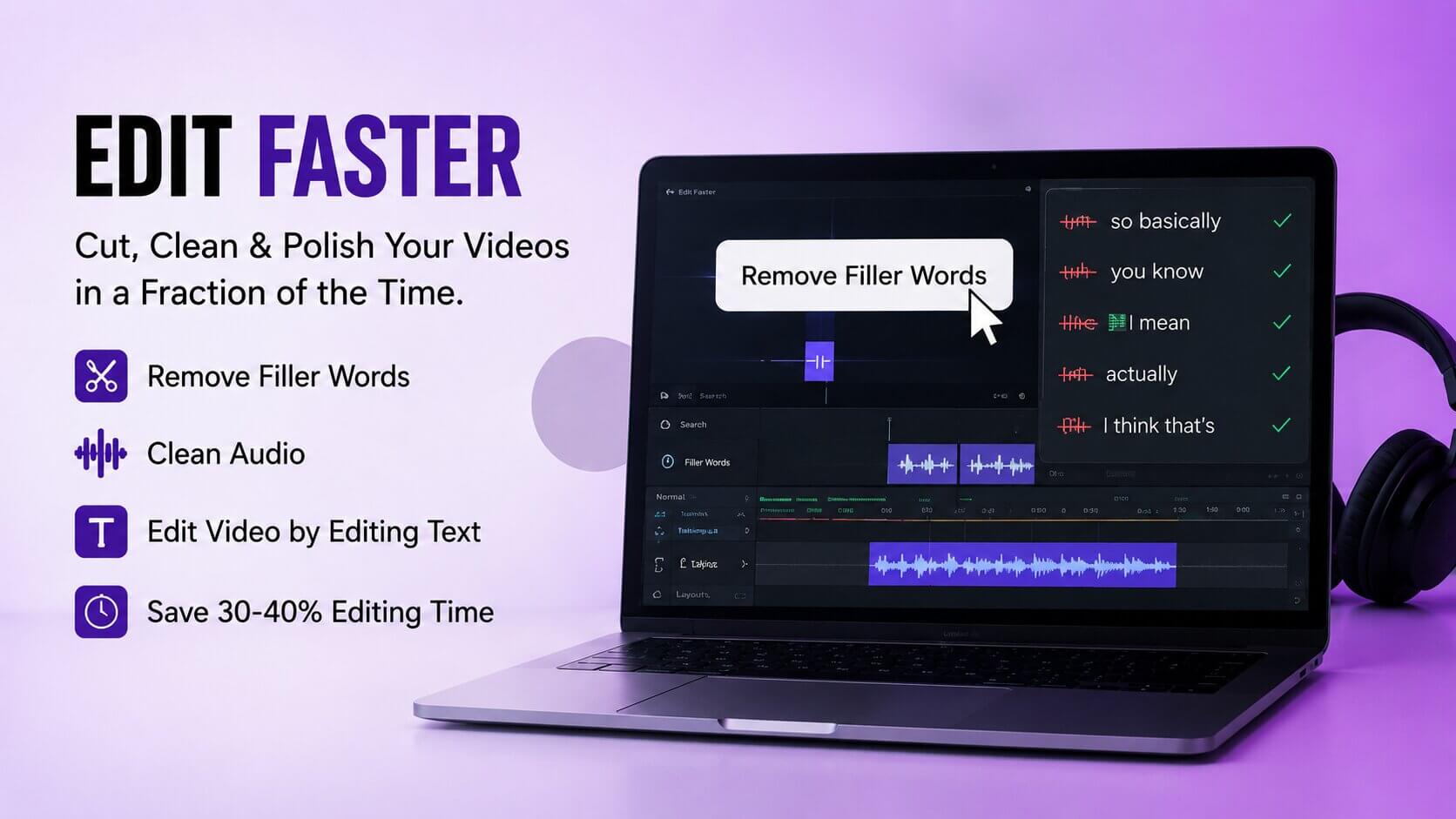
There’s a category of tools right now that automatically remove silences, filler words (“um,” “uh,” “like”), and dead air from your footage. Descript is the most well-known. Adobe Podcast handles audio cleanup really well. Captions is worth looking at for creators who do a lot of talking-head content.
In reality, these tools are genuinely excellent for cutting 30–40% of your editing time on raw talking footage. If you’re doing a lot of b-roll heavy, cinematic content, they’re less useful. But for vlogs, tutorials, commentary videos? Huge time saver.
“I used to spend seven hours on a 15-minute video. Descript brought that down to about three. I was genuinely annoyed it took me so long to try it.”
That’s from a creator I talked to who makes personal finance content. He’s not a tech person at all. He said the learning curve was about two days of frustration, then it just clicked. That tracks with my experience too — there’s a rough patch in the beginning, but you come out the other side moving a lot faster.
Remove filler words, silences, and edit video by editing text — genuinely useful for any creator who talks on camera.
Upload even mediocre audio and get studio-quality sound back. Works almost frighteningly well.
Auto-captions with animated styling. Good for short-form and mobile-first content.
Thumbnails: The Thing Most Creators Underestimate

Your thumbnail is not decoration. It’s a billboard. It determines whether someone clicks your video or scrolls past it. And yet I see so many creators spending 10 minutes slapping text on a screenshot and calling it a day.
Tools like Canva (yes, still Canva — their AI background removal and Magic Design features are legitimately good) and Midjourney or DALL·E via integrations can help you create visually striking thumbnails faster. But here’s my honest take: the visual tool matters less than having a thumbnail strategy in the first place.
What works? High contrast. A clear focal point. Text that adds context, not noise. A face with an obvious emotion (if you’re comfortable with that). Study the top 10 videos in your niche and you’ll notice patterns almost immediately.
For testing, ThumbnailTest.com and YouTube’s own A/B thumbnail testing feature (rolled out to more creators recently) let you actually measure which version performs better. Use them. Most people don’t.
SEO and Ideation: Finding What People Actually Want to Watch
This is the part where a lot of new creators go wrong. They make videos about what they want to make, then wonder why nobody’s watching.
Here’s the thing — that’s not entirely wrong. Passion matters. But passion plus strategy beats passion alone every time.
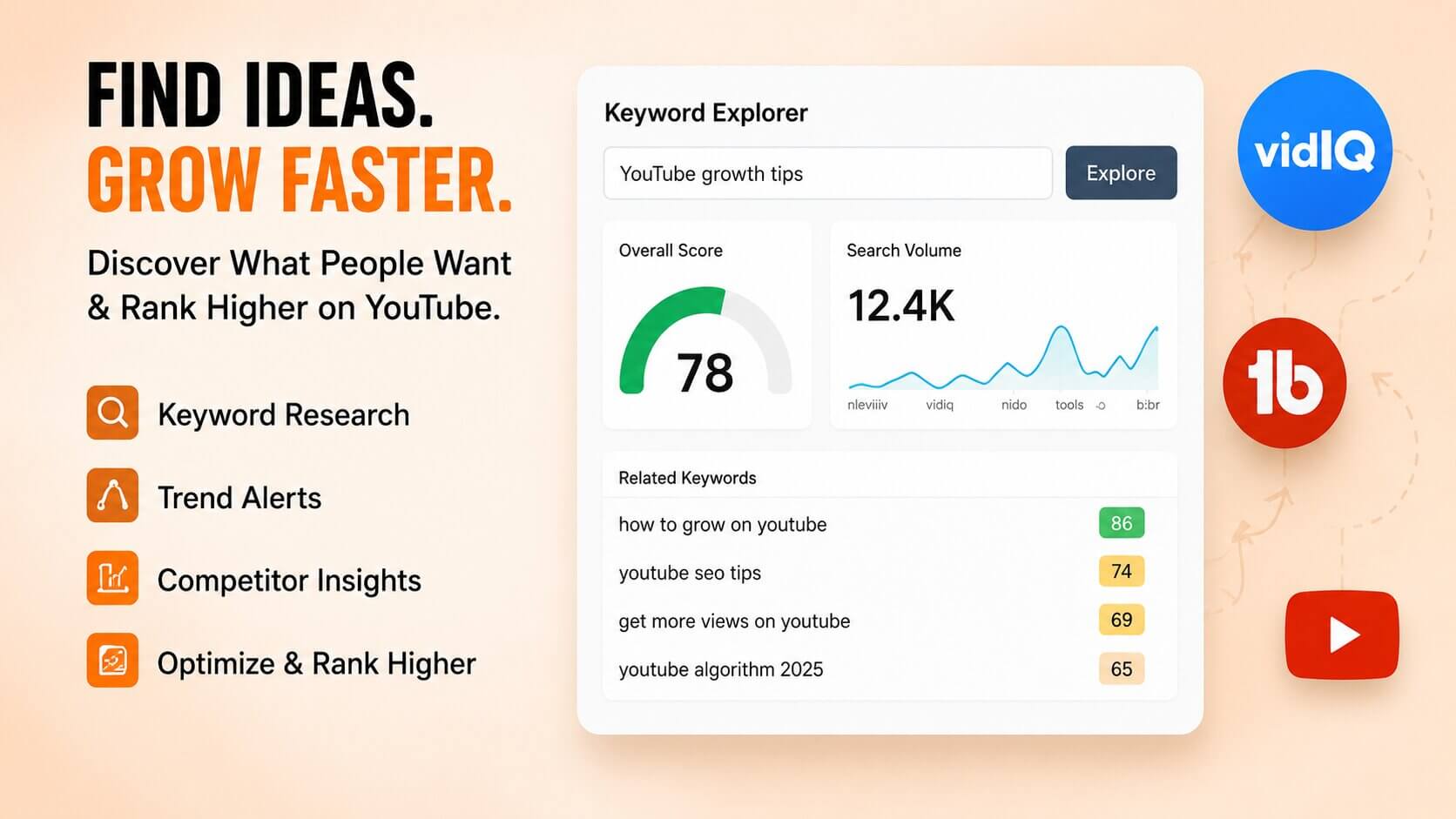
TubeBuddy and VidIQ are the two main players here, and honestly? Both are worth trying on a free tier before you commit to anything. They show you search volume estimates, keyword competition, trending topics in your niche, and what’s already ranking. It’s not perfect data, but it gives you a map when you’d otherwise be guessing.
For ideation specifically, I’ve started using a simple trick: take a topic you want to cover, run it through AnswerThePublic or just look at the “People also ask” section on Google, and you’ll get a dozen angles you hadn’t considered. Then filter those angles through VidIQ to see which have actual search volume. Takes maybe 20 minutes. Saves hours of making content nobody searches for.
Repurposing: Getting More Miles Out of What You’ve Already Made
This is genuinely one of the most underused strategies in YouTube content creation. You film a 15-minute video. That’s actually five or six short clips, two or three tweet threads, a blog post outline, and probably a solid Instagram carousel. Most creators just… don’t do anything with it after posting.
Opus Clip has become a go-to for automatically pulling the best clips from long-form videos for Shorts or Reels. It’s not always perfect — sometimes it picks a weird moment — but 70% of the time it gives you something usable right away. Castmagic is worth looking at if you also do podcasting or want to turn video transcripts into written content fast.
Even just committing to turning each video into one YouTube Short can meaningfully grow your channel. The algorithm loves it when you feed it more content, and Shorts discovery has introduced a lot of people to channels they’d never have found otherwise.
Quick Glance: Tools Worth Your Time
- Descript — editing by editing text; filler word removal
- Adobe Podcast Enhance — audio cleanup that sounds almost too good
- VidIQ or TubeBuddy — keyword research, trend spotting
- Opus Clip — repurposing long videos into short clips automatically
- Canva AI — thumbnail creation, background removal
- Notion AI or Jasper — script outlining and brainstorming (not full scripts)
- Castmagic — transcript → blog posts, social captions, newsletters
FAQ: Stuff People Actually Ask
Do I need to use all of these tools?
Absolutely not. Pick one problem that’s slowing you down the most — probably editing or scripting — and solve that first. Adding five new tools at once just creates chaos.
Are free tiers good enough to start?
For most of these, yes. VidIQ, TubeBuddy, Canva, and Descript all have free versions that are genuinely useful. Don’t pay for anything until you’ve confirmed it saves you real time.
Will my content sound robotic if I use writing tools?
Only if you don’t rewrite it. Use these tools to get a rough structure down fast, then rewrite everything in your own voice. If you skip the rewrite, yes — it’ll sound lifeless. Don’t skip the rewrite.
What’s the single highest-impact change most creators can make?
Honestly? Fixing audio. Bad video with good audio is watchable. Good video with bad audio gets clicked away from in seconds. Adobe Podcast Enhance is free and takes about 30 seconds. Use it.
Is it worth learning all of this if my channel is small?
Yes — especially then. The habits you build early are the ones that stick. Better to develop a smart workflow at 500 subscribers than try to overhaul everything at 50,000.
Look — none of this replaces actually making good content. The best tool in the world won’t save a video that has nothing interesting to say. But if you do have something worth saying, and you’re spending 90% of your time on logistics instead of creativity, that’s just a waste.
Pick one tool. Try it for two weeks. See what it actually does to your workflow. Then decide if you need another one. That’s it. No need to overhaul everything overnight.
You’ve already done the hard part by showing up to make videos. Let the tools handle some of the boring stuff.
Go make something good.