
Let me paint you a picture. It’s 10 PM on a Sunday. You have five posts due for a client by Monday morning, your idea doc is basically empty, and you’re staring at a blinking cursor like it personally offended you. Sound familiar? Yeah. Been there more times than I’d like to admit.
That was me about two years ago — a freelance social media manager juggling four clients with zero systems in place. Then I started experimenting with various content tools, made a lot of mistakes, wasted money on a few things that were completely useless, and slowly figured out what actually moves the needle.
This isn’t a listicle of “10 must-have apps.” This is a real breakdown of the tools worth your time, how they fit into an actual workflow, and where you still have to show up as a human being. Because here’s the thing — no tool replaces you. The good ones just make space for your best ideas.
Why Content Creators Are Finally Taking These Tools Seriously
Two or three years ago, a lot of people in the social media space were dismissive. “It sounds robotic.” “My audience will know.” And honestly? Some of that was fair. Early versions of content tools were clunky. The output read like a press release written by someone who had never actually spoken to a human.
But things have shifted fast. Now these tools are being used by solo creators, agency teams, and everything in between — not to replace their thinking, but to accelerate it. The creator economy is brutal. Posting once a week is barely staying alive on most platforms. If you’re managing content across Instagram, LinkedIn, TikTok, and a newsletter? You either have a team, a system, or you’re burning out.
“The goal isn’t to automate your creativity. It’s to stop spending your creative energy on the stuff that doesn’t need it.”
That reframe changed everything for me.
Content Writing & Ideation Tools
This is where most people start — and where there’s the most noise. Let’s be honest: not every writing tool is worth your subscription fee.
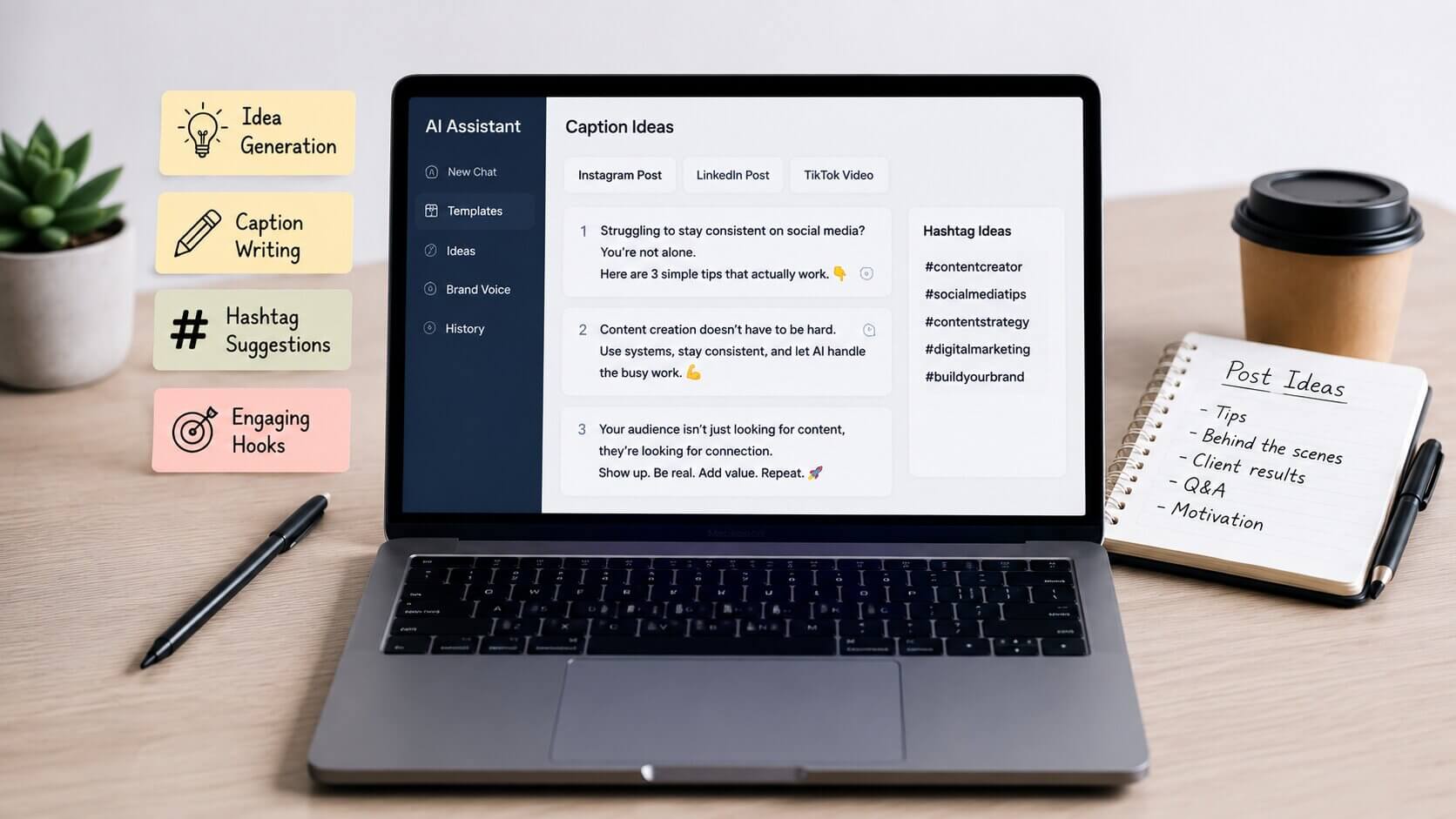
The tools that genuinely help are the ones built for specific outputs. A tool that lets you drop in a rough idea and spit out five caption angles? Useful. A generic text generator with no social media context? Usually a waste of time.
What to look for
- Platform-specific output (LinkedIn tone vs. Instagram tone are totally different animals)
- The ability to feed in your brand voice or past examples so it doesn’t sound generic
- Options for hooks, CTAs, and different caption lengths — not just one version
- Some kind of hashtag or keyword suggestion feature baked in
Take Mia, a fitness coach I know in Leeds who runs her own Instagram and a small membership community. She started using a content ideation tool to batch her post ideas every Sunday. She doesn’t use what it gives her verbatim — she treats it like a brainstorming session with a very enthusiastic assistant who occasionally misses the point. But within three months, she went from posting three times a week to six, and her engagement actually went up because she had more time to reply to comments instead of stressing over what to post next.
Quick tip: Always write a rough idea or bullet point before asking a tool to expand on it. If you go in with nothing, you’ll get generic content. If you go in with something specific — even messy — you’ll get something you can actually work with.
 ✦ ✦ ✦
✦ ✦ ✦Visual Content & Design Tools
If writing tools were the first wave, design tools are where things got really interesting. The gap between “I have no design skills” and “I can produce scroll-stopping graphics” has shrunk dramatically.
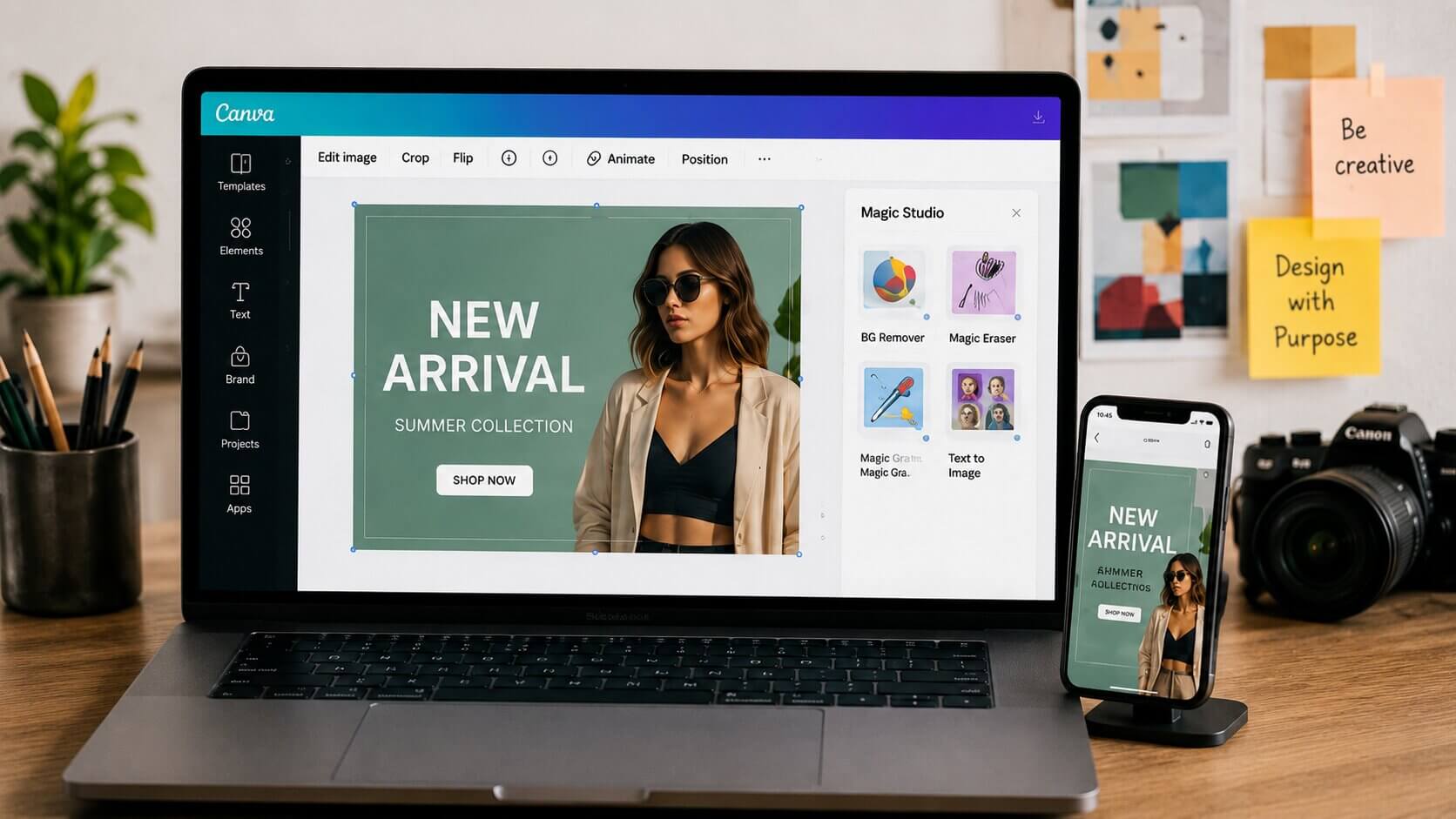
Canva is the obvious name — and honestly, it deserves the hype. It’s not a secret weapon anymore, but the newer features (especially the background remover and the brand kit options) make it genuinely powerful for consistent content production at scale. Pair it with a well-thought-out brand color palette and a couple of saved templates, and you can produce on-brand graphics in minutes, not hours.
For image generation — and I know this is where opinions get spicy — tools like Adobe Firefly have become legitimately good for creating custom visuals that you actually own. Stock photos are fine, but nothing stands out in a feed like something that looks like it was made specifically for your brand. In reality, you can now create that without hiring a photographer or illustrator for every campaign.
On the video side — CapCut is quietly one of the most underrated tools for creators who do short-form content. The auto-caption feature alone saves an absurd amount of time. And Descript is genuinely magical if you do any kind of long-form video. You edit the transcript, and the video edits itself. I sound like an ad right now. I’m not. I just think it’s that good.
 ✦ ✦ ✦
✦ ✦ ✦Scheduling & Analytics Tools
Here’s where I see a lot of people drop the ball — they invest in content creation tools but ignore the back-end. Posting at the wrong time, on the wrong platform, without any idea what’s performing? That’s like cooking a great meal and serving it cold.
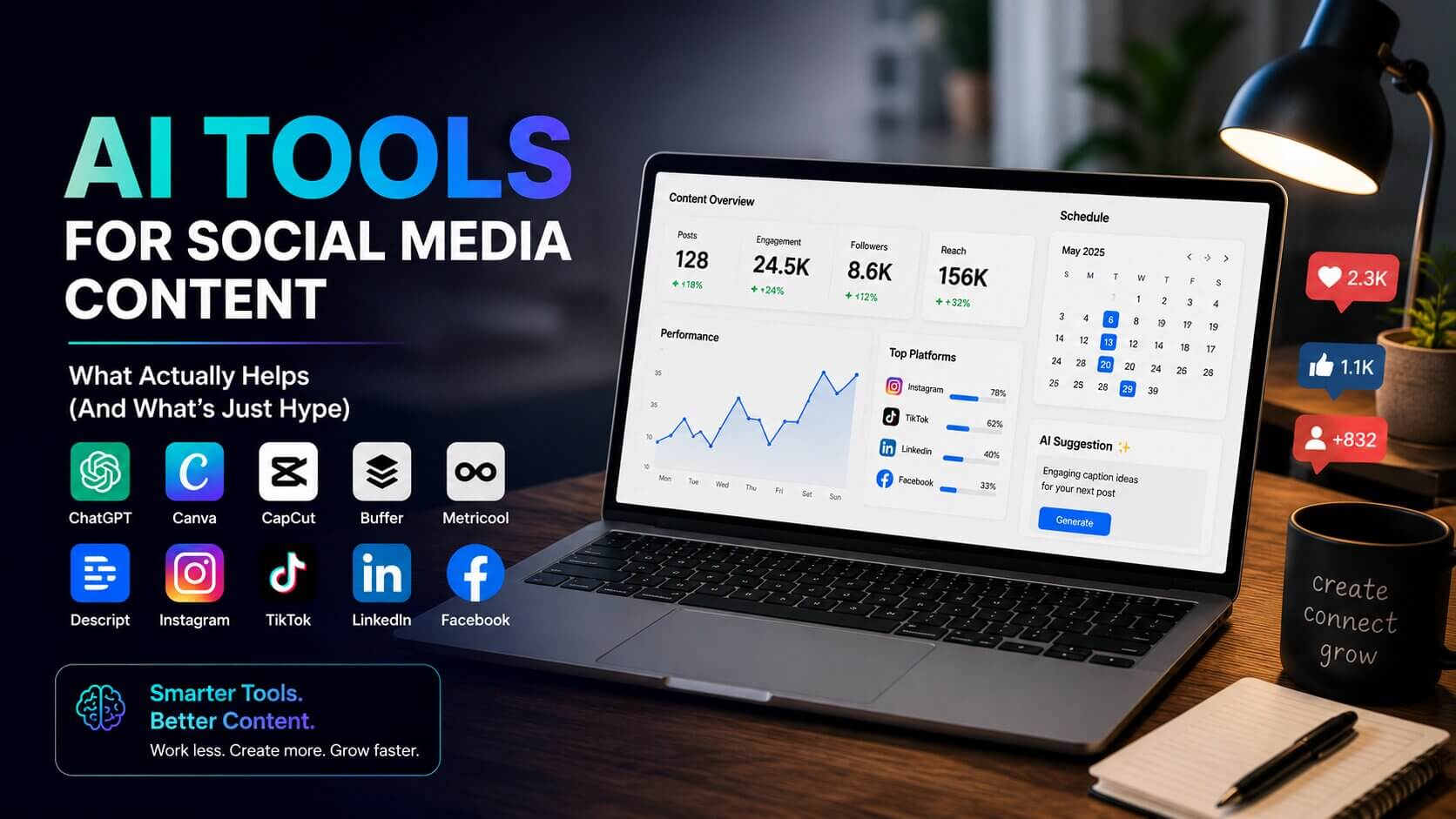
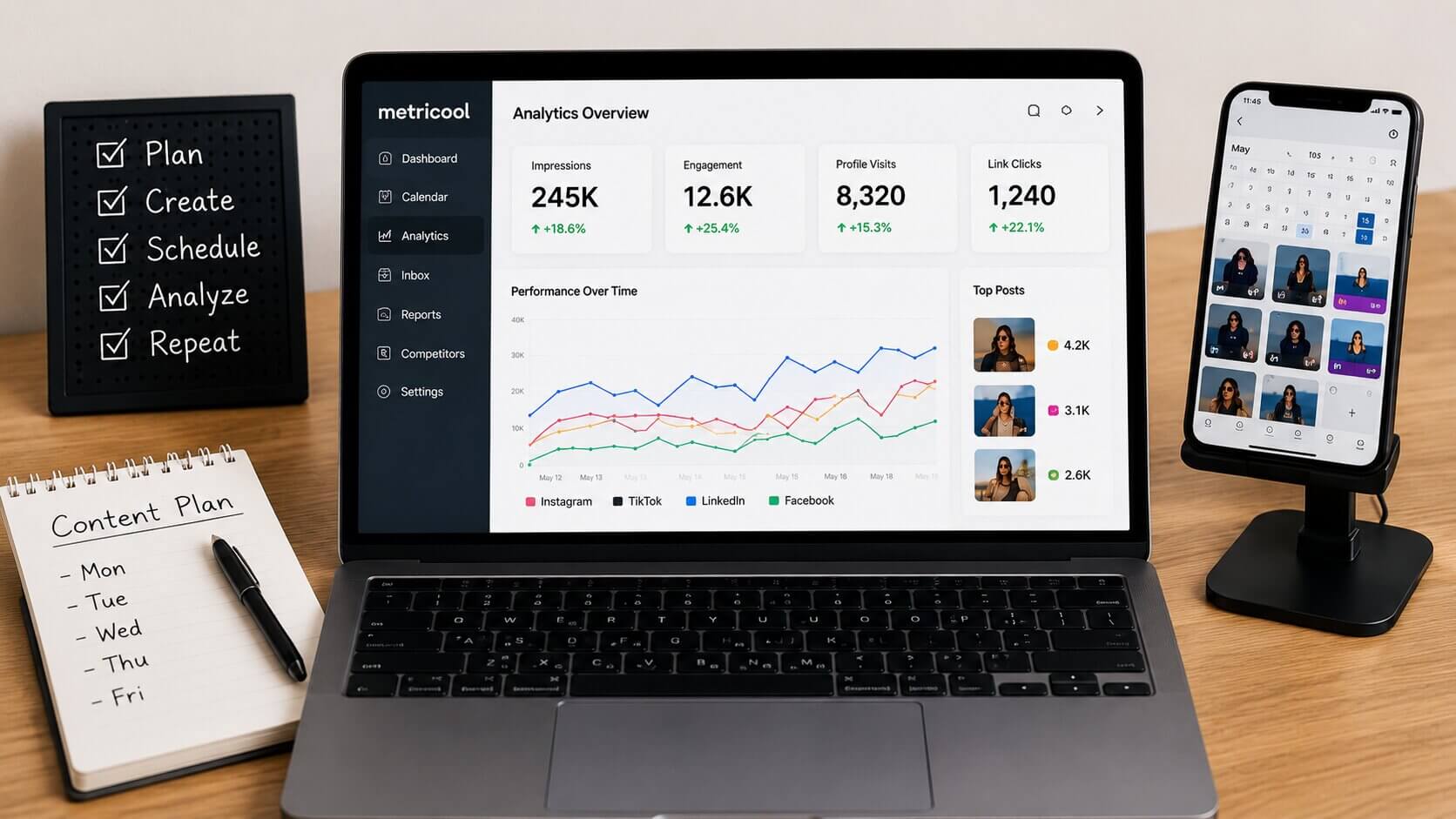
Scheduling tools like Buffer, Later, and Metricool have gotten much smarter about suggesting optimal posting times based on your audience’s actual behavior — not generic best-practice charts you’d find in a 2019 blog post. Metricool in particular is solid for multi-platform management and gives you a clean competitor comparison, which is genuinely useful when you’re trying to understand why a similar account is growing faster.
A quick story: Marcus runs a small streetwear brand out of Manchester. He was posting consistently but seeing flat growth. When he started actually looking at his analytics — not just vanity metrics like likes, but saves, profile visits, and link clicks — he realized his Reels were driving almost all his meaningful traffic, but he was spending most of his time on carousels because he thought they looked better. He shifted his ratio, doubled down on Reels, and saw a 34% jump in website traffic in six weeks. The tool didn’t do that. The data did. He just needed the tool to surface it clearly.
 ✦ ✦ ✦
✦ ✦ ✦The One Thing No Tool Can Do
Okay. Here’s my honest opinion — and you can take it or leave it.
No tool gives you a point of view. No tool gives you the weird, specific thing that makes your content feel like you. The reason people follow creators isn’t because their graphics are pixel-perfect or their captions are technically flawless. It’s because they feel something. They learn something. They feel seen.
The best use of all these tools is freeing up your mental bandwidth so you can invest it where it actually matters — in your ideas, your stories, your personality. Use them to handle the repetitive and time-consuming stuff. Guard your creative thinking jealously.
I’ve seen brands go so deep into automation that their content becomes completely indistinguishable from every other account in their niche. Smooth, consistent, totally forgettable. That’s the trap. Don’t fall into it.
Frequently Asked Questions
Do I need to pay for premium tools to see results?
Honestly, not right away. Canva’s free tier is more than enough to start. Buffer has a solid free plan for a few accounts. Start free, identify what’s slowing you down most, and invest there first rather than paying for everything upfront.
Will my audience be able to tell if I use these tools?
If you use them as a shortcut to skip thinking — yes, eventually. If you use them as a speed-up for your existing ideas and voice, no. The tell is usually when content loses specificity and personality. Keep those in, and you’re fine.
What’s the best tool for someone just starting out?
Start with Canva for visuals and Buffer for scheduling. Master those two before adding anything else. It’s easy to get distracted building the perfect tech stack when what you really need is to just start posting and learning what resonates.
How much time can these tools realistically save me each week?
Once you have a solid system set up — templates, brand kit, scheduled batching — most creators report saving between 5 and 10 hours a week. Your first month will be slower as you learn each tool, so be patient with the learning curve.
Should I use different tools for different platforms?
For scheduling, a multi-platform tool like Metricool or Later is more efficient than juggling separate apps. For creation, it depends — video-first tools for TikTok and Reels, design tools for LinkedIn and Instagram static posts. Tailor your workflow to where you spend most of your time.

Final Thoughts: Work Smarter, Stay Human
Look — the creators winning right now aren’t necessarily the ones with the biggest budgets or the flashiest tools. They’re the ones who’ve figured out how to be consistent without burning out, and how to show up with genuine personality even when they’re producing a high volume of content.
The tools we have access to right now are genuinely remarkable. A solo creator today can produce content at a quality and volume that would’ve required a full team five years ago. That’s worth something. Use that advantage.
But always come back to the question: does this content actually sound like me? Does it say something real? If the answer is yes — great. Hit publish. If it’s no, edit until it does. That part? That’s still on you. And that’s a good thing.
Start small, batch your content, pay attention to what’s working, and don’t let anyone convince you that the tools are the point. You’re the point. The tools just help you get there faster.