
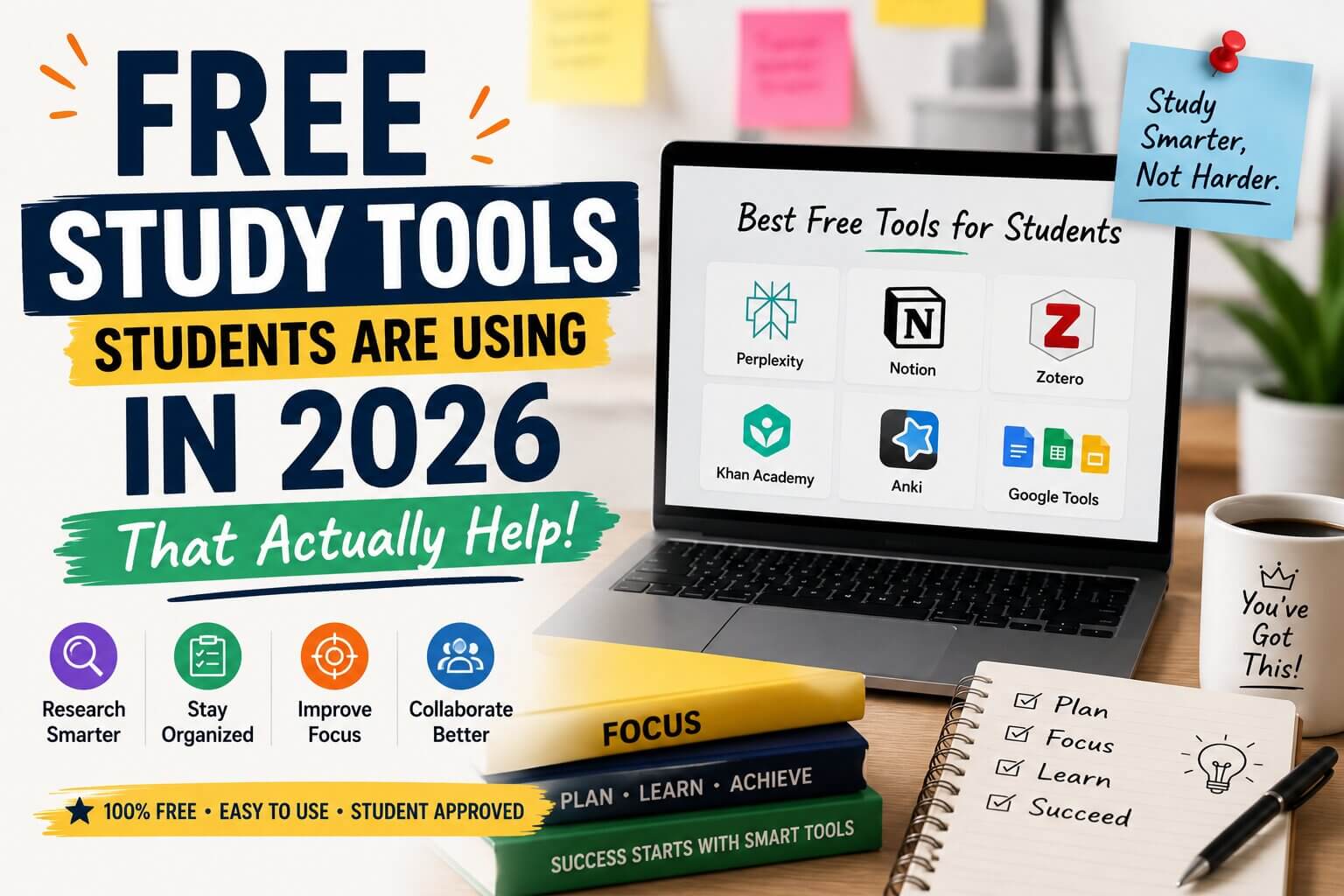
 Let me be honest with you — when I first heard people talking about using free tech tools to study smarter, I rolled my eyes a little. I thought it was just another “10 apps that will change your life” listicle with nothing useful inside. But then deadlines started piling up, I had three papers due in one week, and I figured I had nothing to lose. I started trying things. And some of them actually worked.
This isn’t about replacing hard work. It’s about not wasting three hours doing something that could take thirty minutes. Students today have access to genuinely powerful free tools — and most of them have no idea these things exist, or they’re using them wrong.
So here’s what I’ve found, what my friends have found, and what’s actually worth your time.
Why Students Need These Tools More Than Anyone
Here’s the thing — students are uniquely stretched thin. You’re expected to read hundreds of pages, write essays, study for exams, maybe hold down a part-time job, and somehow keep your sleep schedule from completely falling apart. The workload hasn’t gotten smaller, but the tools available to manage it have gotten dramatically better.
The problem is most students either don’t know what’s out there, or they stumble onto the paid version of something and assume the free version isn’t worth using. In reality, the free tiers of many tools today are shockingly capable — especially for students who are just trying to get through the semester.
The best tool is the one that removes the friction between your brain and what you’re trying to accomplish.
Tools for Writing and Research
1. Perplexity AI — For When You’re Tired of Bad Search Results
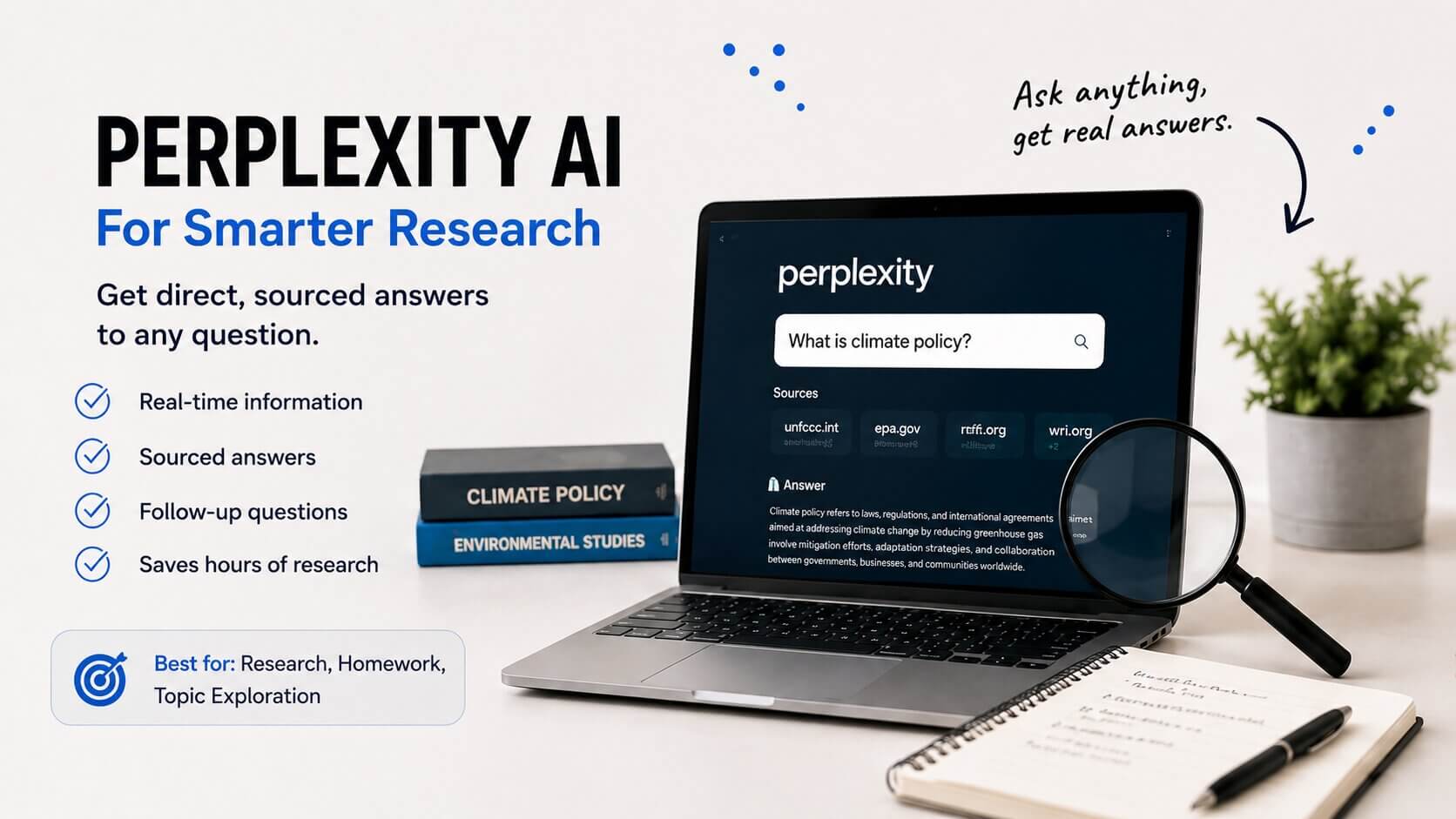
If you’ve ever typed a question into a search engine and gotten ten ads and a Reddit post from 2014 as your top results, Perplexity is going to feel like a breath of fresh air. It gives you direct, sourced answers to questions — and actually shows you where it’s pulling information from. Free to use, no account required to start.
It’s genuinely useful for research rabbit holes. You ask one question, it answers, you ask a follow-up, and suddenly you’ve got a much clearer picture of a topic in ten minutes instead of an hour.
Real-life scenario
Imagine you’re writing a paper on climate policy but your lecture notes are thin and the textbook chapter is dense. You spend twenty minutes on Perplexity asking layered questions — what are the main policy frameworks, what do critics say, what happened after the Paris Agreement. By the time you sit down to actually write, you already have a clear mental map. The writing goes twice as fast.
2. Notion (Free Plan) — The Everything App You’ll Either Love or Forget
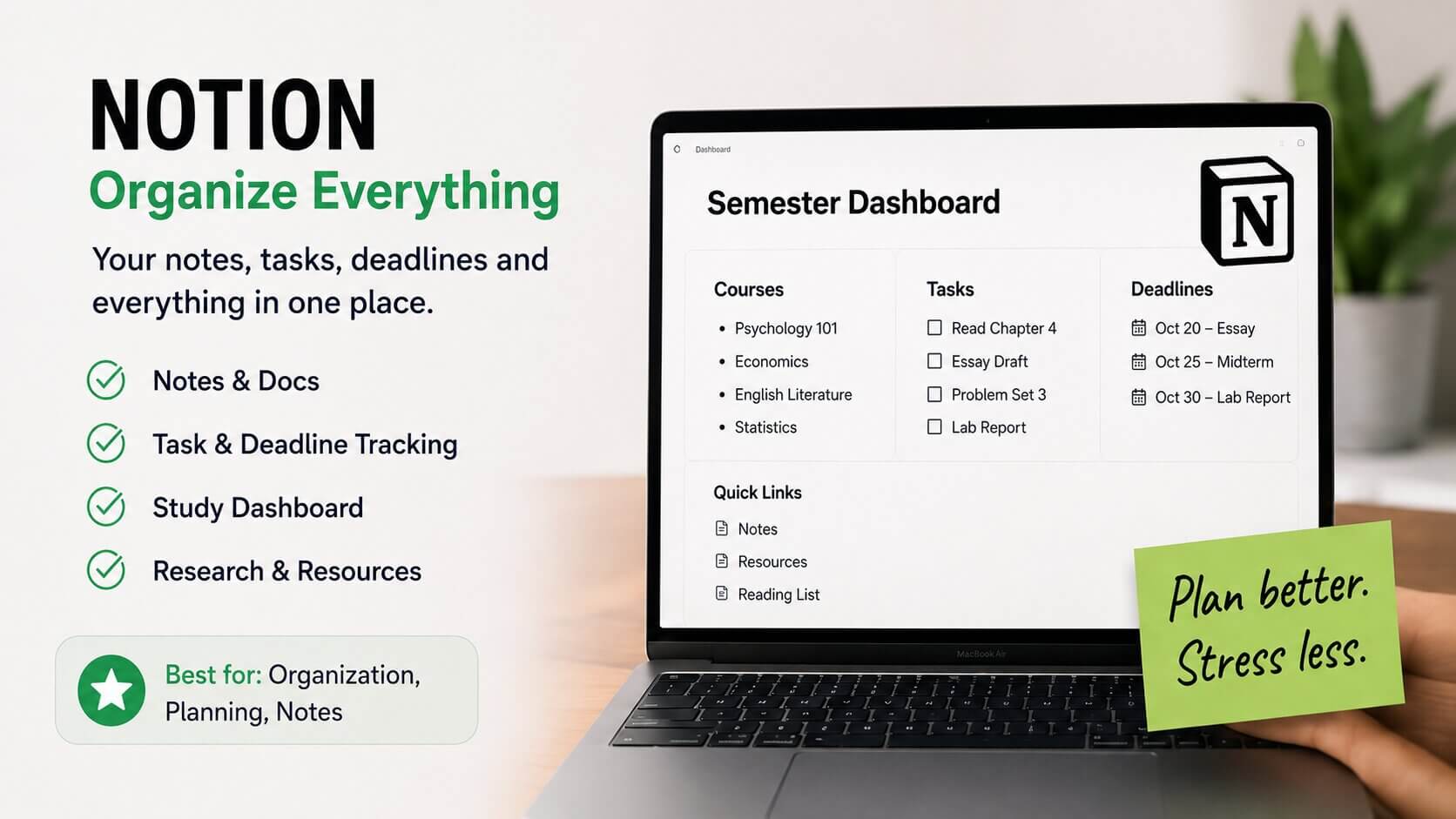
Notion is one of those tools that can genuinely transform how you organise your academic life — if you actually use it. The free plan is generous enough for individual students. You can build a semester dashboard, track assignment deadlines, keep reading notes, and even store research links all in one place.
My honest opinion? Most students overcomplicate it. They spend two hours building the perfect system and never actually use it. Keep it simple. One page per subject. Due dates in a table. That’s it. Don’t make it a project.
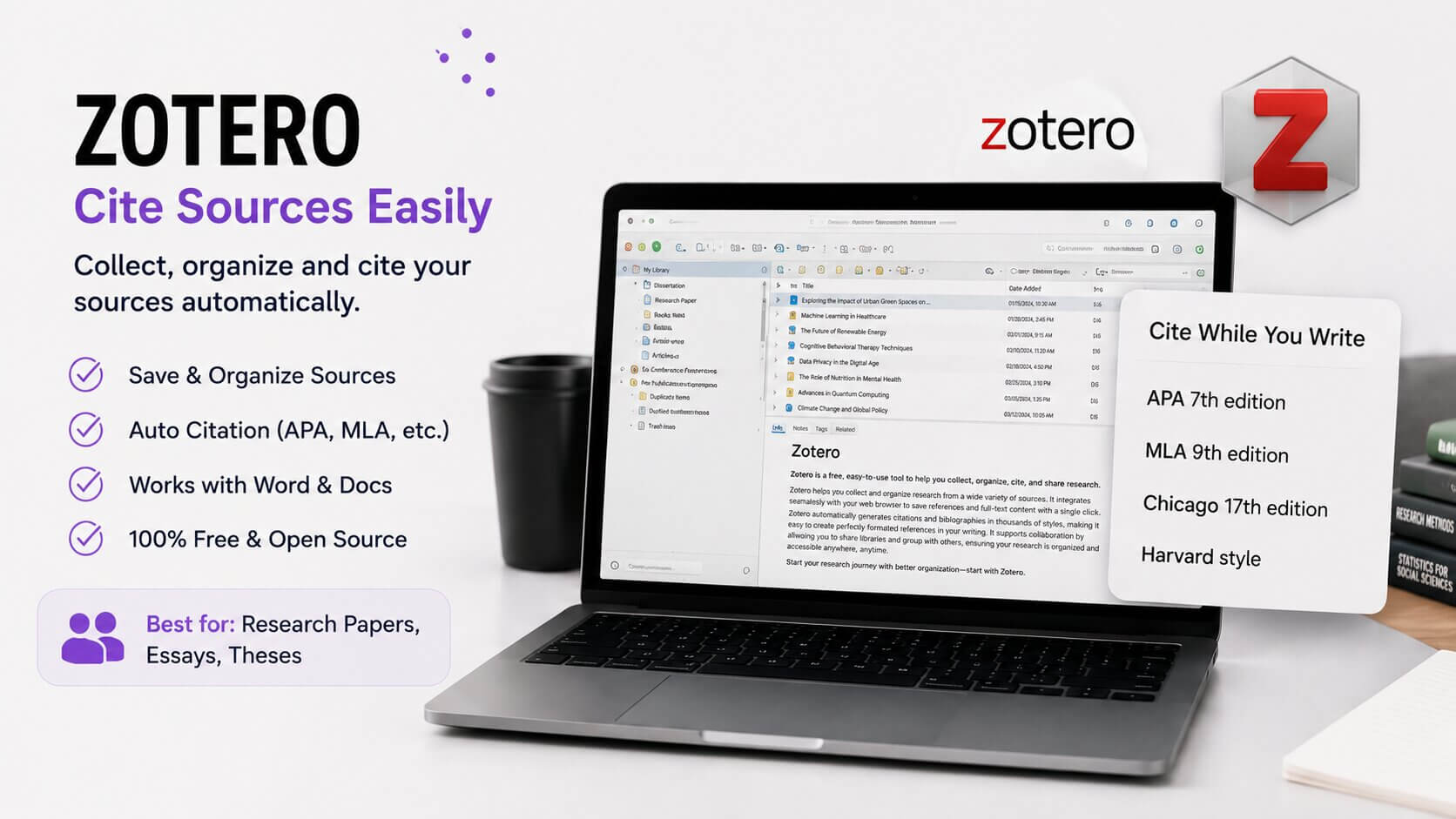
3. Zotero — Cite Your Sources Without Losing Your Mind
Free. Open source. Works with Word, Google Docs, and LibreOffice. Automatically grabs citation information from websites and journal articles. If you’re writing anything that needs a bibliography — which, as a student, is almost everything — Zotero will save you hours over the course of a semester.
- What it doesSaves sources, generates citations in APA, MLA, Chicago, and more
- Best forResearch papers, literature reviews, dissertations
- Works withChrome, Firefox, Word, Google Docs
- CostCompletely free (storage upgrade optional)
Tools for Understanding Hard Concepts
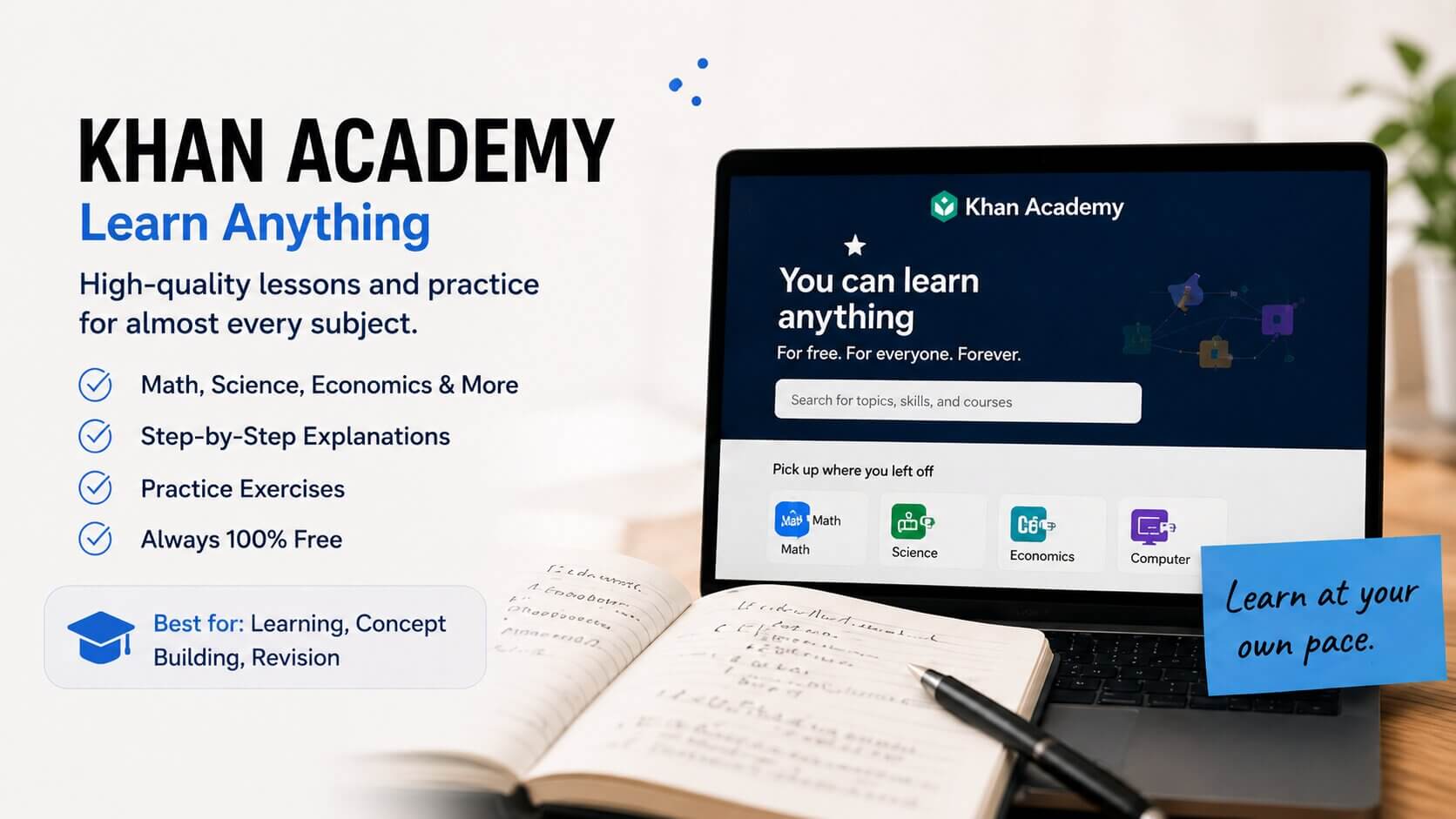
4. Khan Academy — Still One of the Best Things on the Internet
Look, I know Khan Academy isn’t new. But it still deserves a mention because students keep sleeping on it. If you’re struggling with statistics, economics, chemistry, history — there are full, well-made courses on there for free. Not just short clips. Proper learning sequences with practice problems.
It’s especially good if you’re coming back to a subject you studied years ago and need to rebuild your foundation quickly. No fluff, no upselling, no paywall.
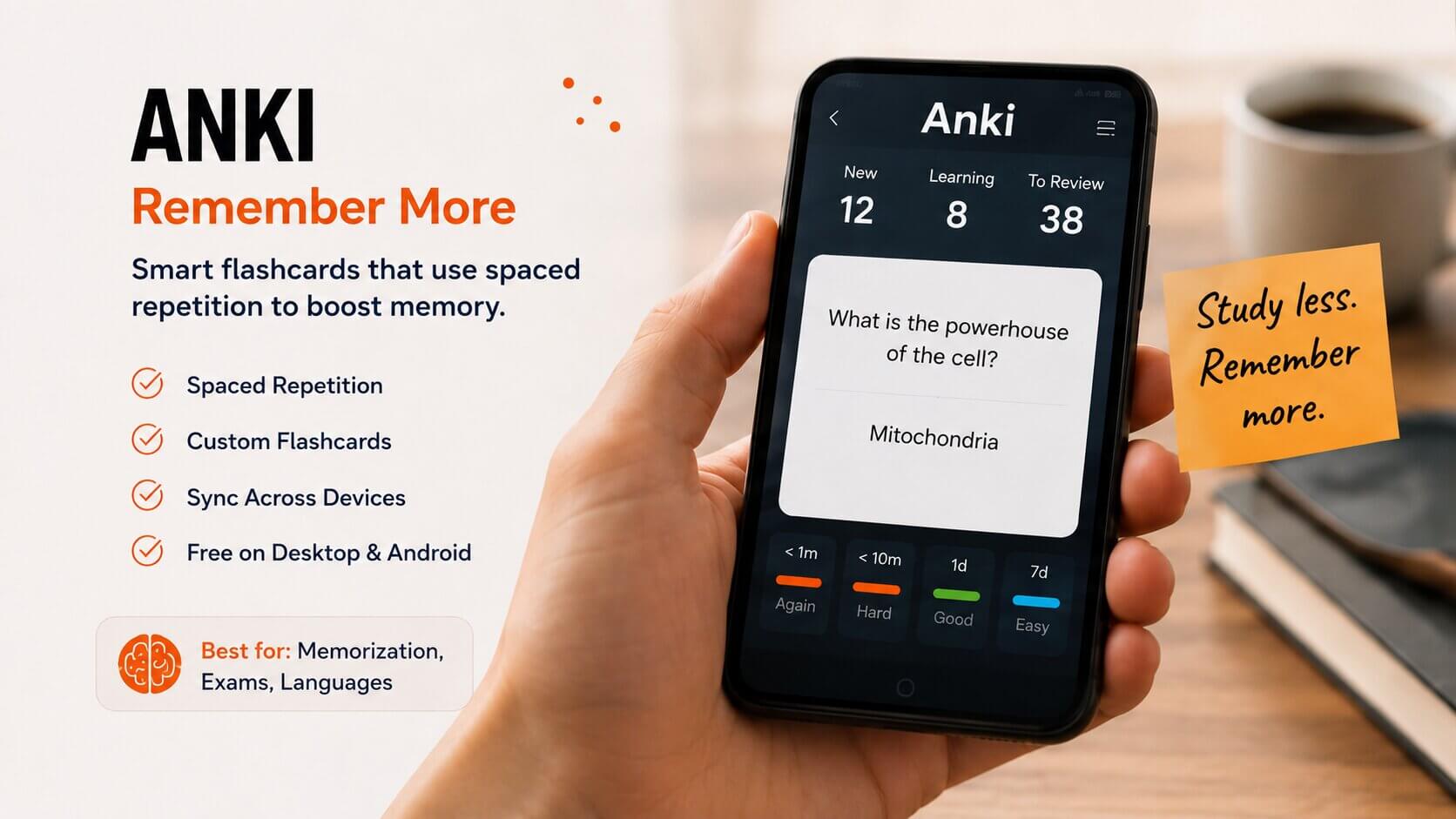
5. Anki — Flashcards That Actually Work
Spaced repetition sounds like a buzzword but the research behind it is solid. Anki uses an algorithm to show you flashcards right before you’re about to forget them, which means you spend less time reviewing things you already know and more time on the things you don’t. Free on desktop, a few dollars on iPhone (the Android version is also free).
Real-life scenario
Think about a medical student memorising hundreds of drug names and mechanisms. Instead of re-reading notes the night before an exam in a panic, they spend fifteen minutes a day with Anki over three weeks. By exam time, the information is just there — because their brain actually had time to encode it properly. Same principle works for law students, language learners, history majors, anyone with a lot of terminology to absorb.
6. Wolfram Alpha — For When Your Textbook Explanation Makes No Sense
Maths, physics, chemistry, statistics. If you’re stuck on a problem and you don’t just want the answer but want to understand the steps, Wolfram Alpha is incredibly useful. Type in an equation, it shows you the working. Free for basic use. There’s a paid Pro version but honestly the free tier covers most undergraduate-level needs.
Tools for Staying Focused and Organised
7. Forest App (Free Version) — For Students Who Get Distracted Every Four Minutes
This sounds a bit silly but it works for a lot of people. You set a timer, a virtual tree starts growing, and if you leave the app to scroll social media, it dies. The free version is limited but usable. There’s something oddly motivating about not wanting to kill a tree.
8. Google Calendar — Boring, But Actually Underused by Students
Not glamorous. But students who actually block time in Google Calendar for studying — not just deadlines, but actual study sessions — consistently report getting more done. Put your assignment due dates in. Block two-hour study chunks. Set reminders. It’s free, it’s on your phone already, and it removes the “I’ll figure it out later” problem that kills productivity.
- NotionCentral hub for notes, deadlines, and organisation
- Google CalendarTime-blocking and deadline tracking
- ForestFocus sessions and phone distraction control
- Toggl Track (free)Track how long you actually spend studying — the results might surprise you
Tools for Group Projects (The Ones That Actually Help)
Group projects are their own special kind of stress. Someone doesn’t reply to messages, nobody knows what version of the document is current, and somehow you end up doing 70% of the work. A few free tools genuinely reduce this chaos.
Real-life scenario
Picture a group of four students working on a business case study. One person sets up a shared Notion page where everyone adds their section. They use a free Trello board to assign tasks with due dates. Communication happens in a WhatsApp group, sure, but all actual work and documents live in one shared space. Nobody sends twelve versions of a Word doc over email. The project still isn’t fun, but at least it’s manageable.
- Trello (free)Task boards for group projects — who’s doing what by when
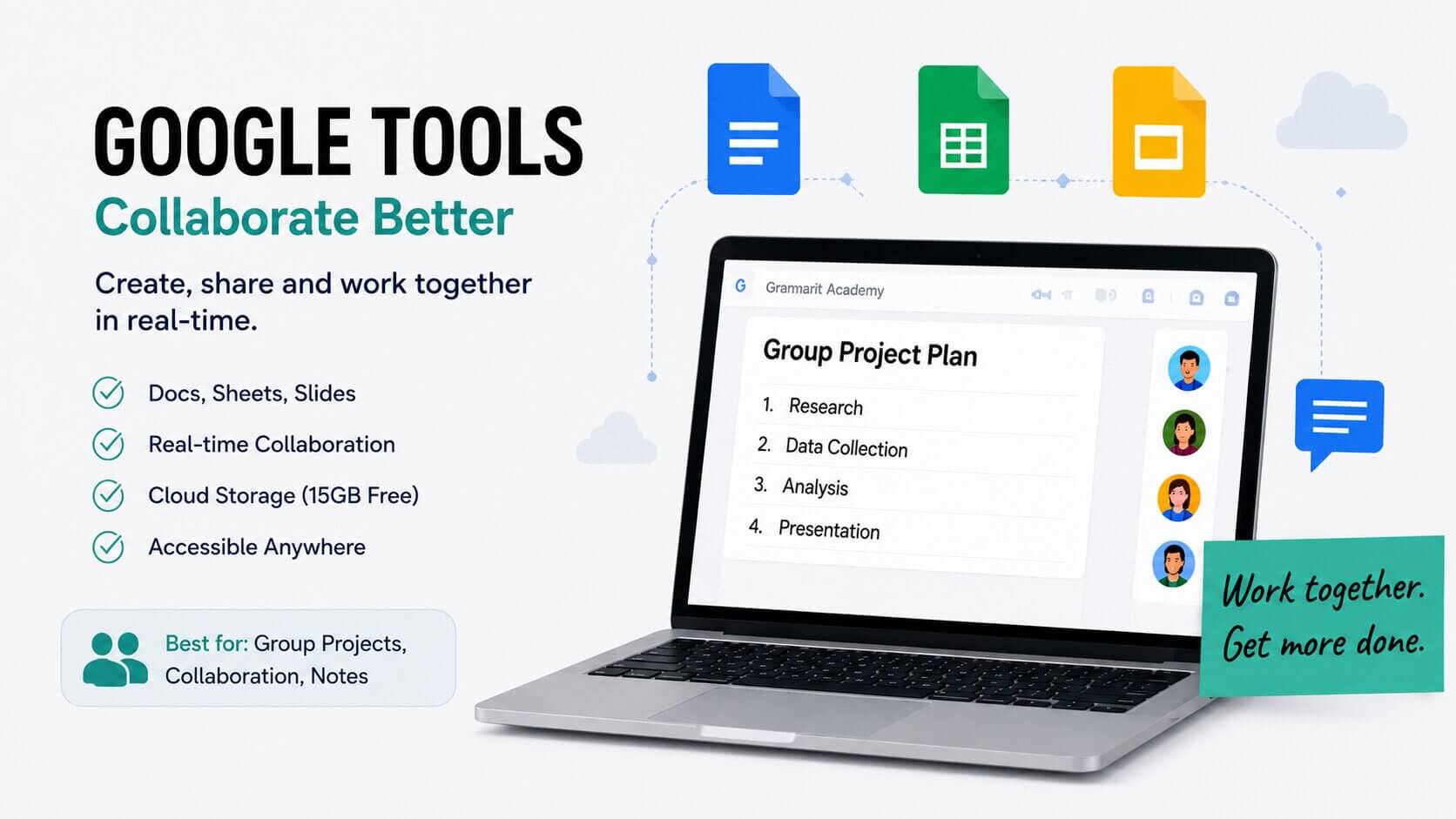
- Google Docs / Slides / SheetsStill the standard for a reason — real-time collaboration, free, always there
- Miro (free tier)Digital whiteboard for brainstorming and mind maps
Frequently Asked Questions
Are these tools really free, or is there a catch?
Most have free tiers that are genuinely usable for students. Some, like Zotero and Khan Academy, are completely free with no strings attached. Others like Notion or Trello offer free plans with limits on storage or advanced features — but for individual student use, you rarely hit those limits.
Will using these tools be considered cheating?
Tools like Zotero, Anki, Notion, and Google Calendar are just organisational aids — nobody considers those cheating. For tools you use to help you understand content or research topics, the key is that the thinking and writing is still yours. Always check your institution’s academic integrity policy if you’re unsure about a specific use case.
Which one should I start with if I’m overwhelmed?
Start with just one. If you struggle with deadlines and organisation, try Notion or Google Calendar. If you’re drowning in research, try Perplexity or Zotero. If you need to memorise lots of content, start with Anki. Pick the problem that’s hurting you most right now and solve that first.
Do I need to be tech-savvy to use these?
Not at all. Perplexity is literally just a search bar. Anki takes about twenty minutes to learn the basics. Khan Academy is just watching videos and doing practice problems. You don’t need any technical background — just a willingness to try something new.
What if I try something and it doesn’t work for me?
Move on. Not every tool works for every person. Some people swear by Anki; others find it tedious and prefer re-reading notes. The goal is to find what actually fits your study style, not to force yourself into a system someone else built. Try things, keep what sticks, ditch what doesn’t.
Final Thought: Don’t Overthink It
The students who benefit most from these tools aren’t the ones who set up the most elaborate system. They’re the ones who pick one or two things, learn them properly, and actually use them consistently. That’s it.
You don’t need to download everything on this list tonight. Pick the one thing that addresses your biggest current struggle — whether that’s keeping track of deadlines, memorising content, or managing research — and start there. See if it helps. If it does, great. If it doesn’t, try something else.
Student life is hard enough without fighting your own tools. The right ones should make things feel lighter, not add more stuff to learn. So start small, be patient with yourself, and don’t let perfect be the enemy of useful.
You’ve got this.